34! Plexxi Switch 3eq Installation Guide (Switch-Control 3.0.0-3.2.x)! !
Management,!Console!and!USB!Ports!and!Management!LED!
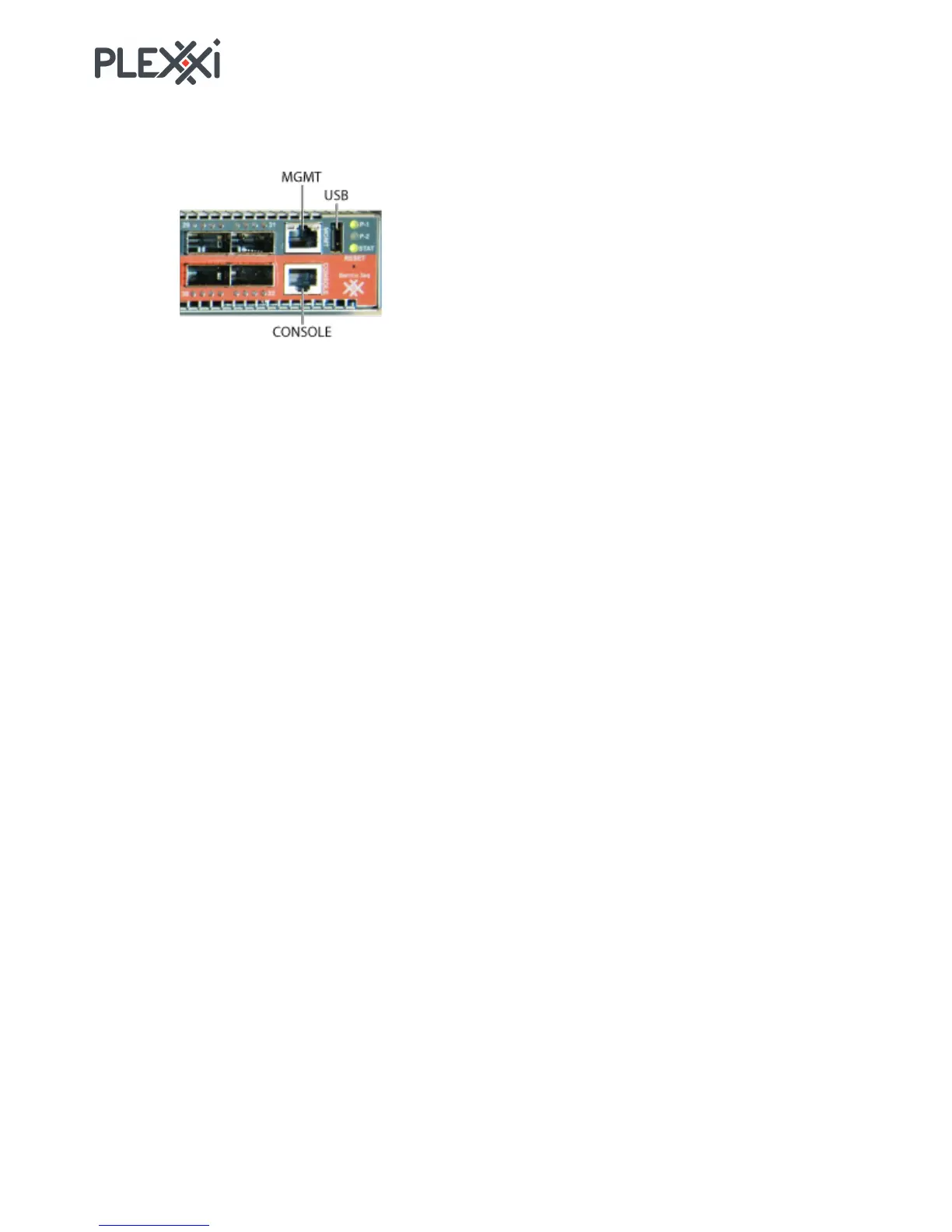
The following illustration identifies the management port (MGMT), serial console port (CONSOLE) and
USB port.
The MGMT port is an Ethernet port that is typically connected to the customer network and is used for
remote switch access for switch management. The MGMT port has two LEDs. Only the left LED is used.
The left LED lights when an active network is plugged in and flashes with network traffic.
The CONSOLE port can be used for serial access to the switch for management. The CONSOLE port has
no LED.
The USB port has no LED.
S1!Port!and!LED!
The upper left SFP+ port supports 1 GbE and 10 GbE to the internal switch and uses interface xp129. If
this port is used, the LED indicates traffic flow through the port.



 To Next Page