2
22
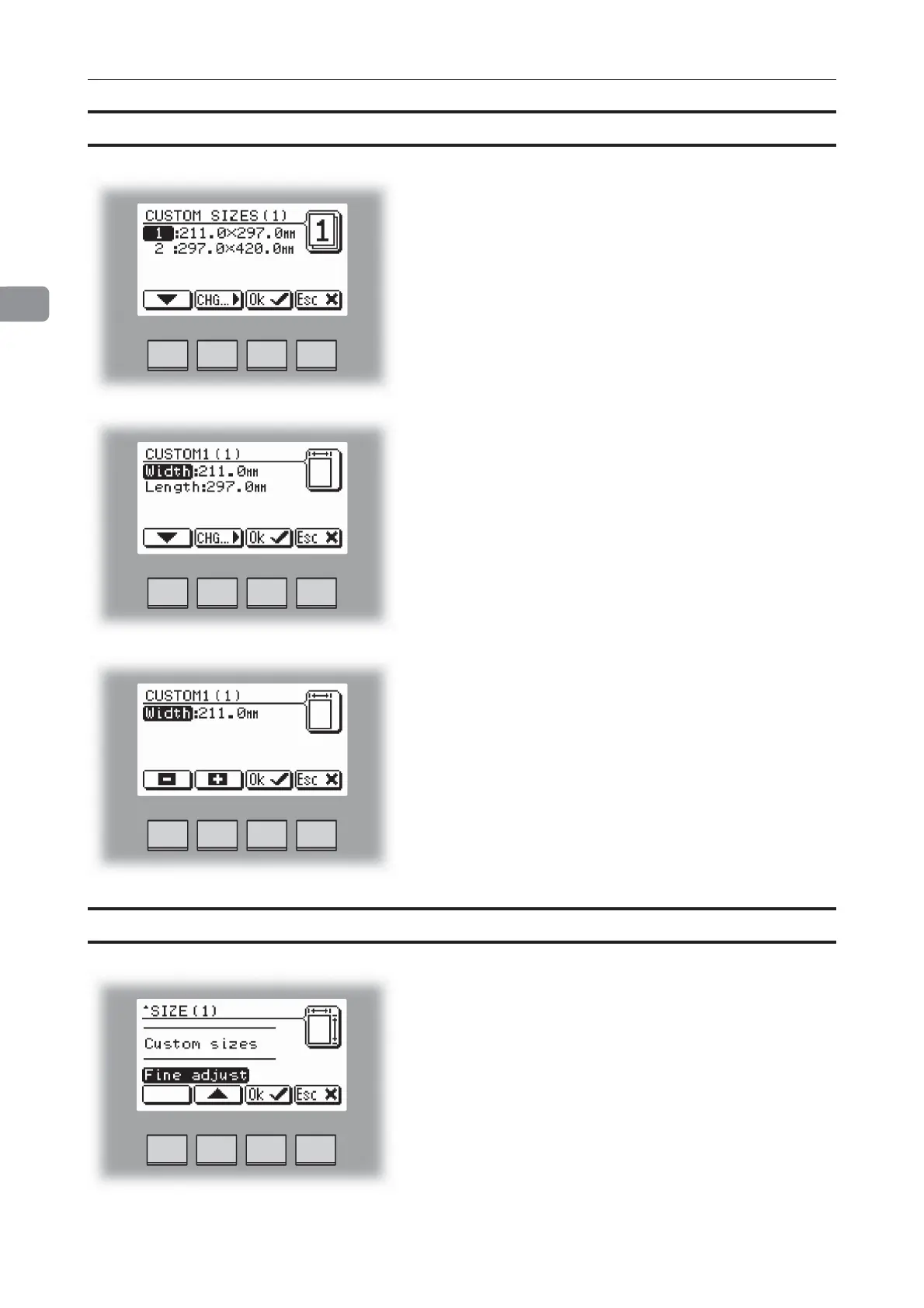
The paper size can now be changed in increments of 1
mm or 0.08 inches. Press the [OK] button to confirm.
Two different custom paper sizes can be stored.
Making Booklets
Custom paper size
Select Size and press the [Change] button to display
the preprogrammed paper sizes.
Scroll down to Custom sizes, by pressing the [arrow]
button, and press the [OK] button. Select the custom
paper size you want to use and press the [OK] button.
If you want to adjust, select the custom paper size you
want to change and press the [Change] button. Select
Width or Length with the [arrow] button and press the
[Change] button.
Fine adjustments of selected paper size
Select Size and press the [Change] button to display
the preprogrammed paper sizes. Scroll down to Fine
adjust, by pressing the [arrow] button, and then
pressing the [OK] button.



 To Next Page