29
3. Tools
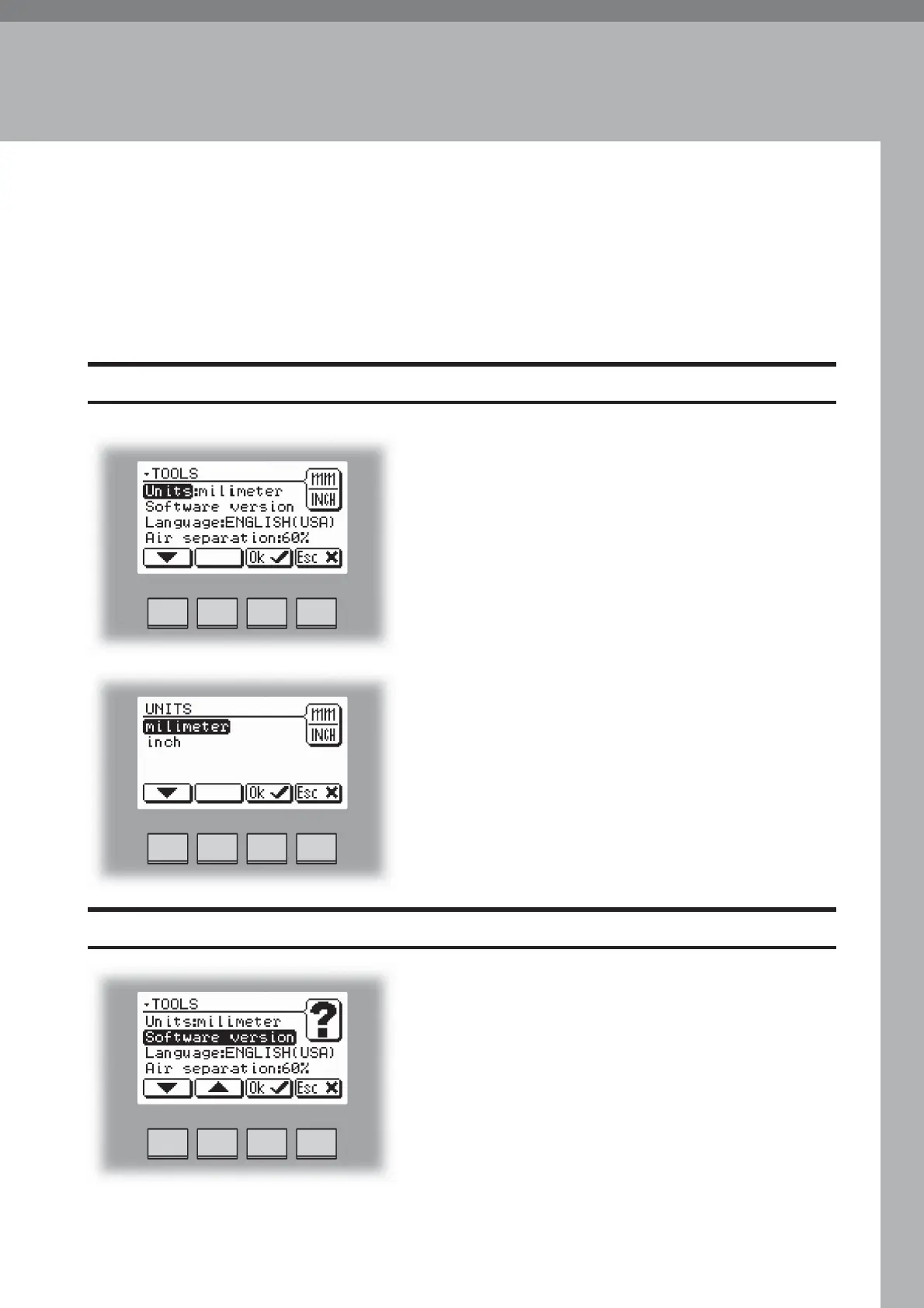
The Tools screen.
From the Ready screen, press the [Tools] button to get to the Tools screen. Here you will find
all the necessary tools for a troublefree operation.
The Tools Screen
Units
From this screen you can change units between
millimeters and inches. Select Units with the [arrow]
button and press the [OK] button.
Select the millimeters or inch units and then press the
[OK] button.
Select Software version with the [arrow] button and
press the [OK] button. This screen, and sub screens
show the software version for the different modules in
the booklet making system.
Software version



 To Next Page