2
23
Stapling
Selecting stapling On or Off
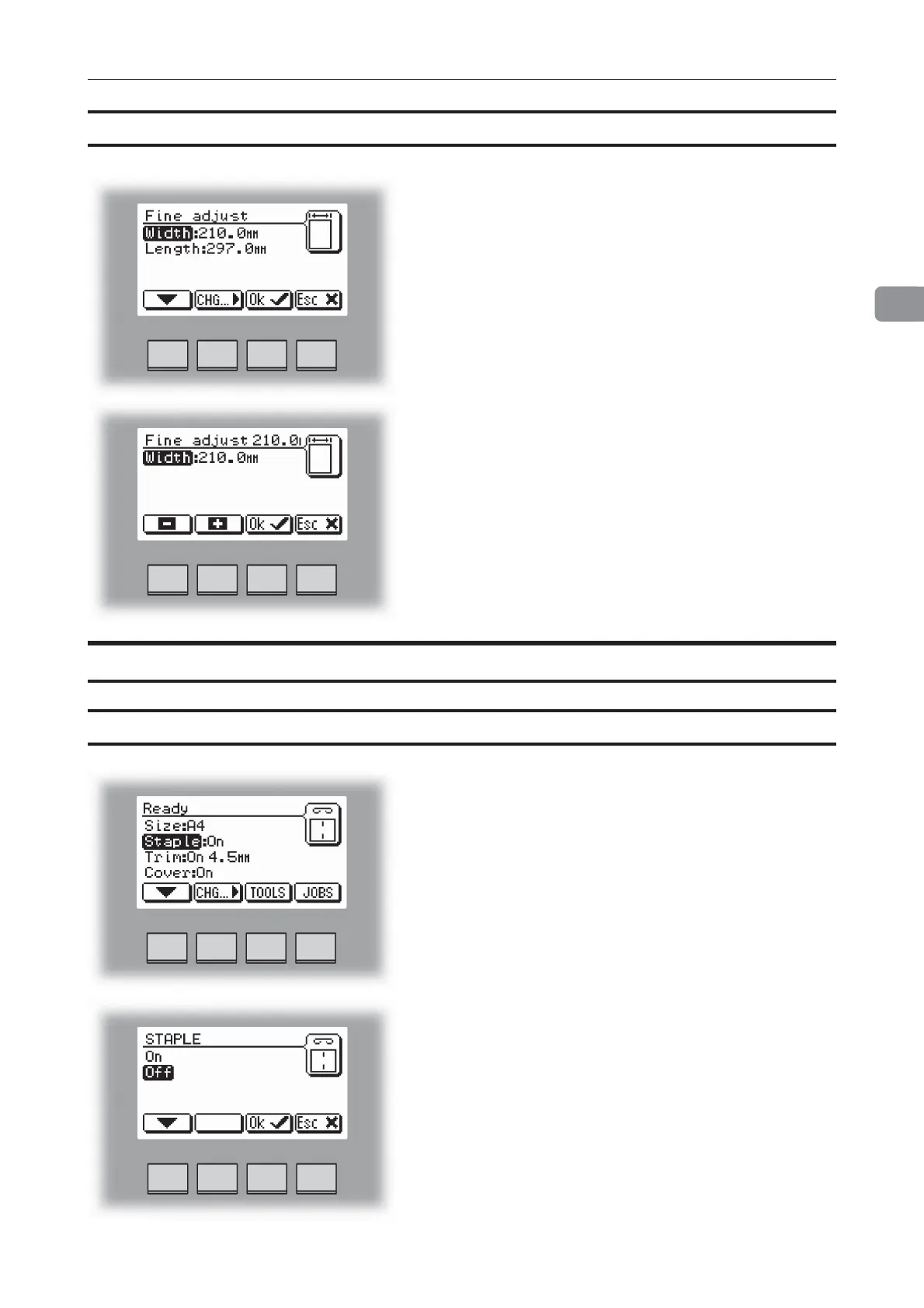
From the Ready screen, select Staple and press the
[Change] button.
Changing settings
Fine adjustments of selected paper size, continues
Select Width or Length with the [arrow] button and
press the [Change] button.
Press the [+] or [-] buttons to fine adjust in increments
of 0.1 mm or 0.01 inches. Press the [OK] button to
confirm.
Fine adjustment can be made while the machine is
running.
If stapling was On, the first choice will be Off and vice
versa.
Select On or Off with the [arrow] button and press the
[OK] button.



 To Next Page