50
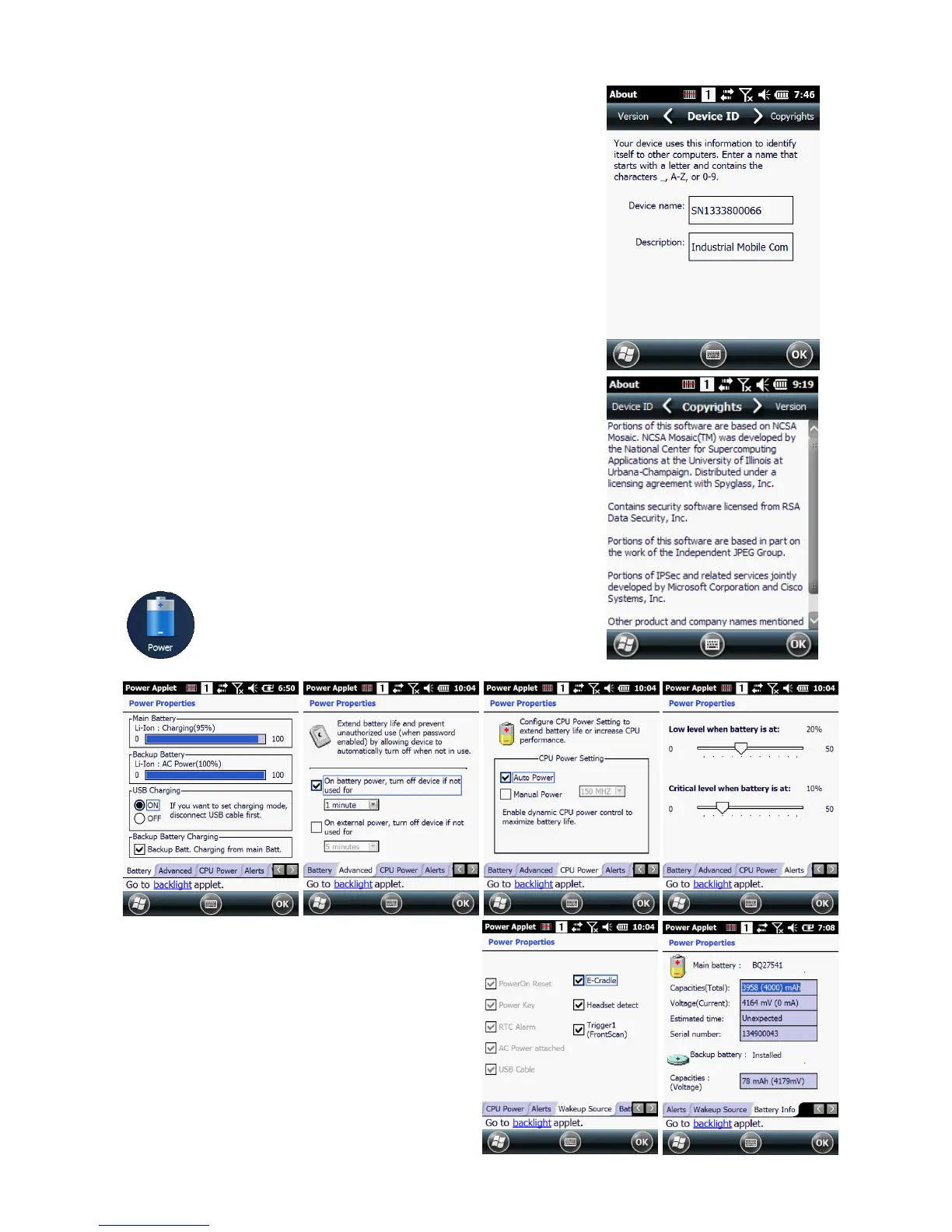
9.1.2. Device ID
Your device uses this information to identify itself to
other computers.
Terminal Serial Number will be in Device Name section by
default. You can modify it
9.1.3. Copyrights
Portions of this software are based on NCSA Mosaic.
9.2. Power properties
9.2.1. Battery tab
To see main battery level indicators open
Start > Settings > System > Power icon .
Set up the USB charging and On / Off



 To Next Page