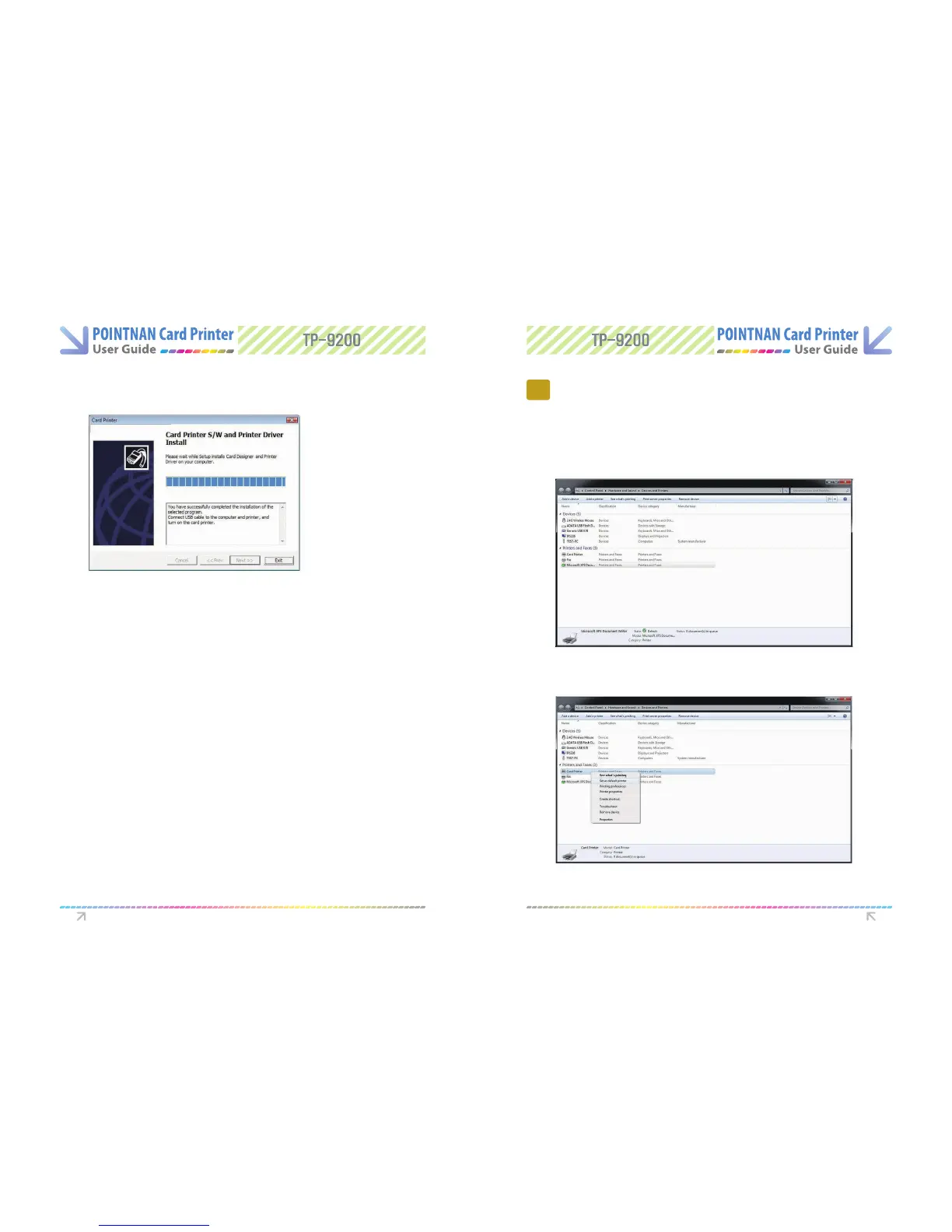
When installation is completed, please “Click Exit”.
7
Check out the selected software is installed.
8
(1) Check out Card Designer Software installation.
- Go to “Start -> All Programs -> POINTMAN -> Card Designer”
(2) Check out “Card Printer Driver” installation
- Go to “Start -> All Programs -> POINTMAN -> Printer”
- Go to Card Printer in Printers folder
(3) Check out “Network software” installation (Option)
- Go to “Start -> All Programs -> POINTMAN -> Network”
3.1 Setting up as the default printer
3
Printer with Card Printer
G o “Start -> Devices and Printers”
1
“Right - Click Card Printer Driver“ and set as default printer
2
Driver Software install Printer with Card Printer



 To Next Page