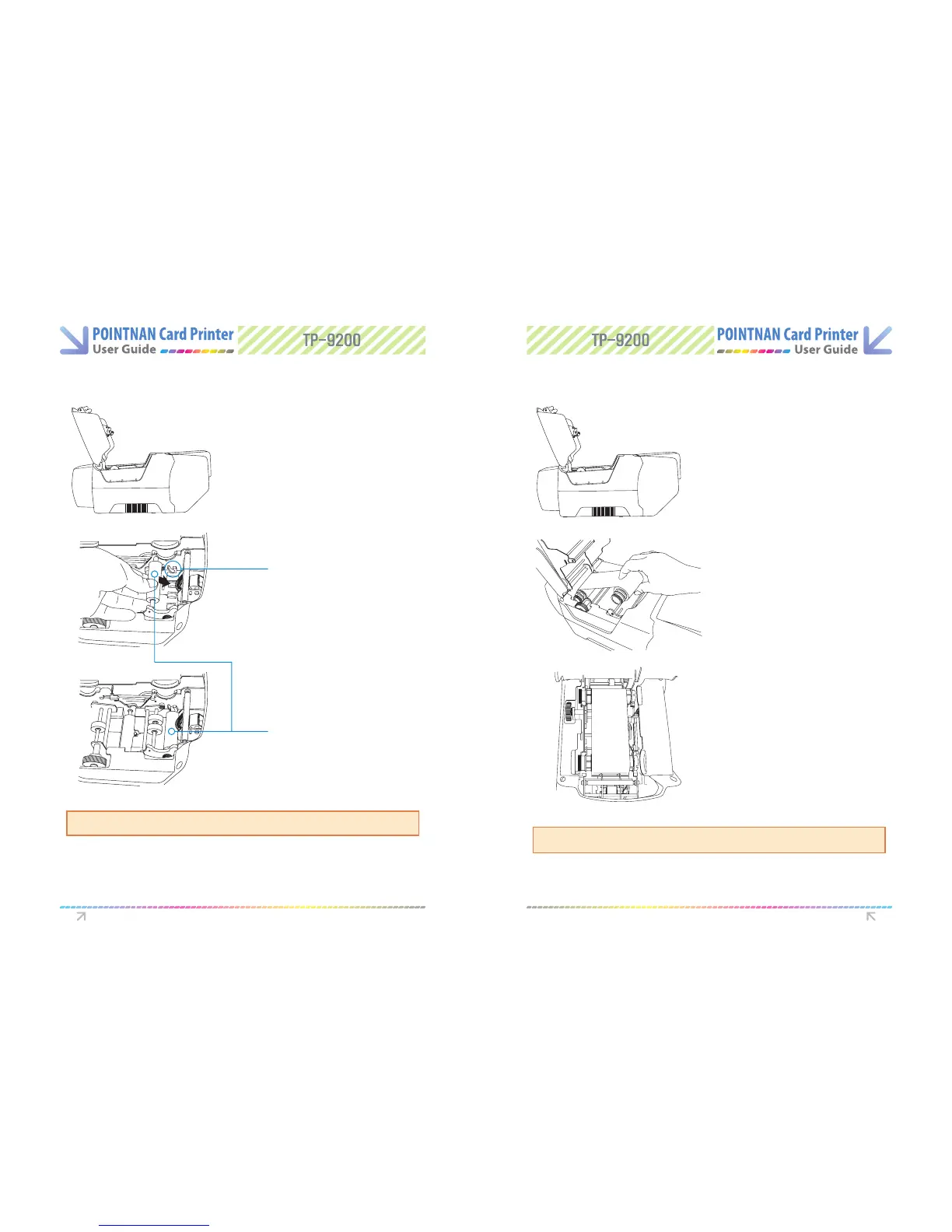
1.4 Loading Cleaning Roller 1.5 Loading Ribbon
Open the printer`s lid by pressing
cover “OPEN” button and raise it
fully.
1
Open the printer`s lid by pressing
cover “OPEN” button and raise
it fully..
1
Slid the cleaning roller into the
loading part and insert roller bar
into “U-shaped slots” until it locks
in place.
Blue Cleaning Roller
2
Place the supply spool into the
front slots and the take-up spool
into the rear slot.
Firmly close the printer lid.
2
Load a new cleaning roller or wash a used cleaning roller with each roll of printer ribbon.
U-Shaped Slot
Blue Cleaning Roller
Please note: Incorrect lid closure may result in poor quality print.
Getting Started Getting Started



 To Next Page