INSTALLATION
- Do not put the printer on unstable place.
- Avoid direct sunlight.
1.1 Introduction
Thank you for choosing the POINTMAN TP-9200 and TP-9000 for your valuable card printer.
Before you set up the printer, please read this user manual for your secure and enjoyable use
of Pointman card printer.
This card printer enables user to create cards easily and shortly in accordance with the card
specications you wish to get.
You can get high quality color image with the card printer of dye sublimation printing.
In order to meet customers’ requirements, it provides options such as magnetic stripe,
IC(Contact), RF(Contactless) encoding, automatic duplex as well as bar code, diagram, picture
printing.
It is useful for creating bank cards, membership cards, loyalty cards and identication cards
on PVC card.
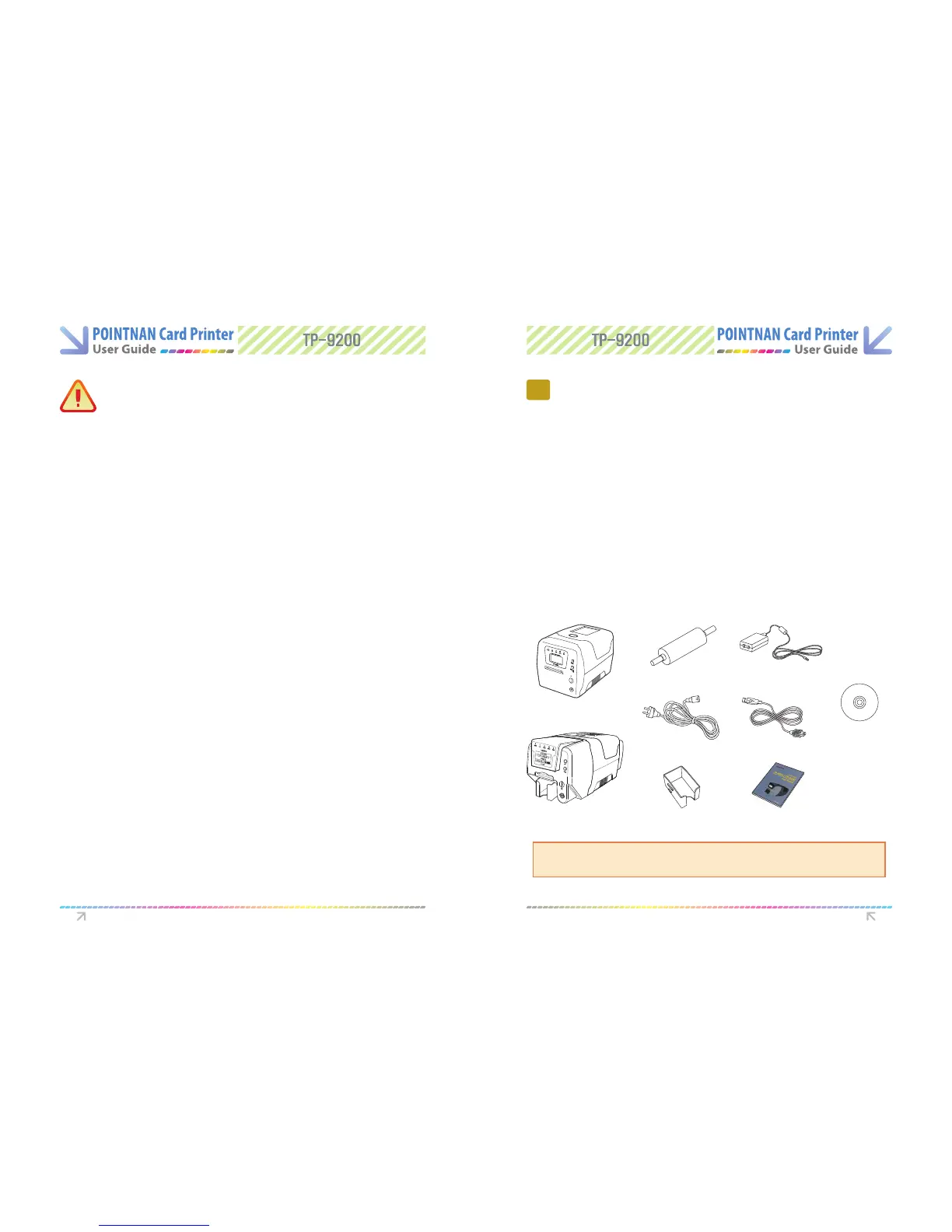
1.2 Contents in Package
MISCELLANEOUS
- Do not disassemble cover or protection parts.
- When you put hand inside the printer, do not operate it.
- Make sure that you perform cleaning and maintaining according to the instructions.
- Do not disassemble, repair, modify.
- Do not put heavy things on the printer.
CLEANING
- Do not disassem ble cover or protective parts.
- Do not operate printer with your hand inside.
- Make sure that you perf orm cleaning and maintenance according to the instructions
1
Getting Started
TP-9000
TP-9200
BLUE
CEANING ROLLER
POWER ADAPTOR
POWER CABLE
STACKER
(TP-9200only)
USER MANUAL
DRIVERS,
SOFTWARE AND
DOCUMENTATION CD
USB PRINTER CABLE
Please make sure that printer and all the accessories are in good order.
If any items are missing, please contact your dealer.
CAUTION Getting Started
CAUTION
Warns user of slight damage to body.



 To Next Page