2) Using driver menu (PC connection required)
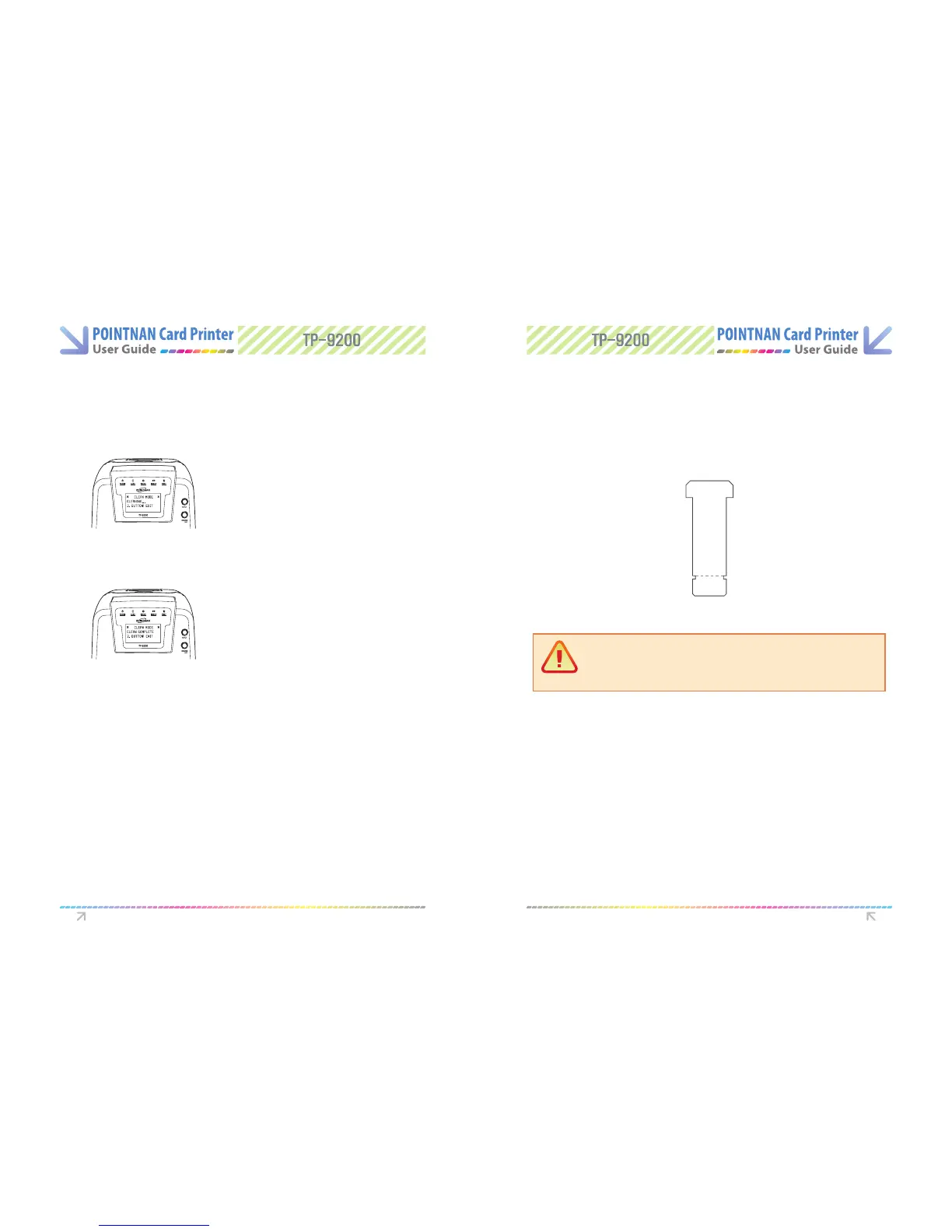
When front LED lights ashes, insert a CR-80 cleaning card into a single card feeding
slot or a long T-shaped card into the card feeder. For TP-9000 card printer, insert each
the cleaning card into the front feeding slot.
3
The CR-80 card (short card) will move backwards and forwards inside the printer 10
times and then ejected. If you use a long T-shaped card, the printer will automatically
operate for 10 sec and then stop the operation.
4
The CR-80 card (short card) will move backwards and forwards inside the printer 10
times and then ejected. If you use a long T-shaped card, the printer will automatically
operate for 10 sec and then stop.
6
Push the eject button and Ribbon Set button together when cleaning completed. LCD
display would be backward.
7
Leave the printer for 2-3minutes, until the alcohol cleaner evaporates.
8
Turn o the power and remove the cards and ribbon, shut the printer lid. Turn on the
power.
1
Go to the “Driver -> Printing preferences -> Control tab -> Direct printer control ->
Click self-Cleaning”
2
Cleaning
Cleaning Completed
Leave for 2-3 minutes after card is ejected to allow alcohol to evaporate.
5
Caution:
If you are using TP-9000 card printer, it is necessary to cut the long
T-shape card where indicated on the diagram before inserting it into the
printer.
Push Ribbon Set button till the cleaning is started.
5
Instructions on Maintenance Instructions on Maintenance



 To Next Page