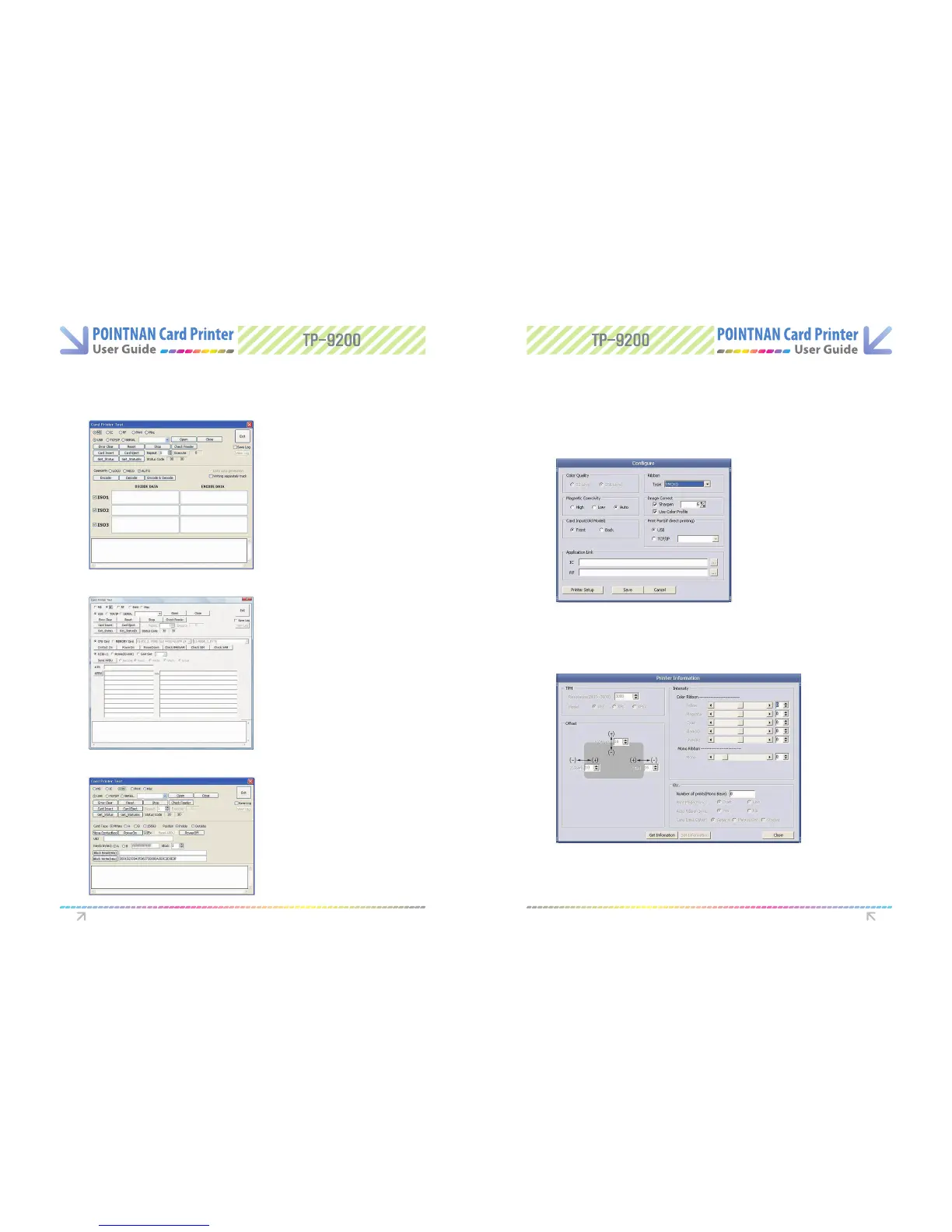
After input of data to be written on
magnetic track. “Click Write”.
When issuing card, user can set the type of ribbons, the card orientation and dithering for
black ribbon. When issuing IC card or RF card, user can set the external program necessary.
You can change set-up of a printer at congure by clicking Printer Setup.
“Select IC” and “Click Read” button.
Progress bar will show communication
status with IC chip.
“Click Card Read”. The progress will show
communication status with RF card.
6.4 Tools 6.5 Conguration
MAGNETIC CARD
Congure
Printer Information
IC CARD
RF Card
Software Operations Software Operations



 To Next Page