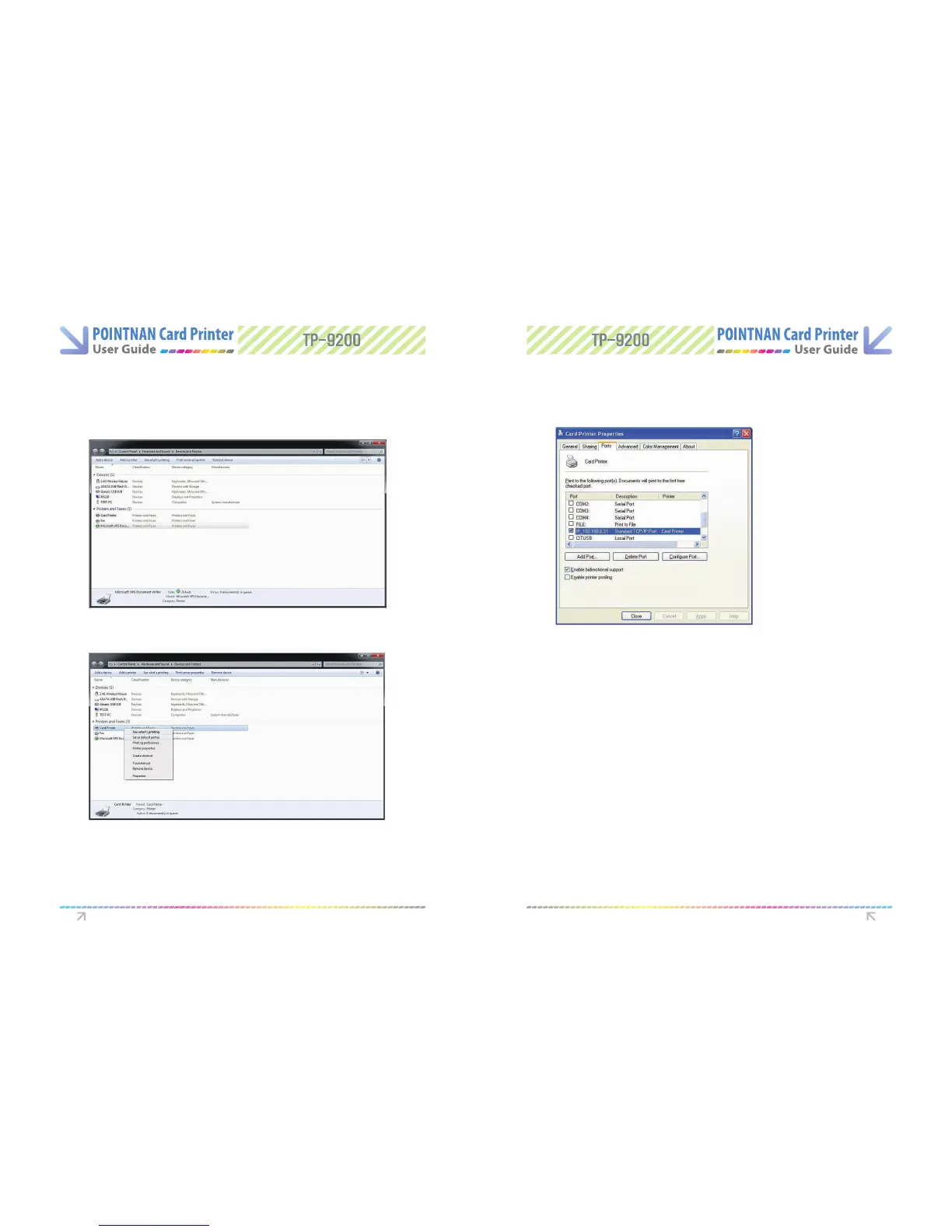
3.2 Changing the printer port (for Driver printing)
G o “Start -> Devices and Printers”
1
Select the Ports (or Detaii)Tab.
3
Click the required port in order to print through either USB or Network
4
“Right-Click Card Printer Driver and select Printing Preferences” (or Printer
Properties)
2
- Printing to Network Port : IP_192.168.0.34 (For example-Ref er to Network
Conguration Settings section on Page 36 and choose the port (IP address) you
want to use
If the driver is installed successfully, “Enable bidirectional support” is selected
automatically. If you meet a problem when you print through the network port, please
unselect “Enable bidirectional support” and proceed with printing.
Printer with Card Printer Printer with Card Printer



 To Next Page