Network Setting–Manual Setting
IP Address, Subnet Mask and Gateway should be assigned by Network administrator.
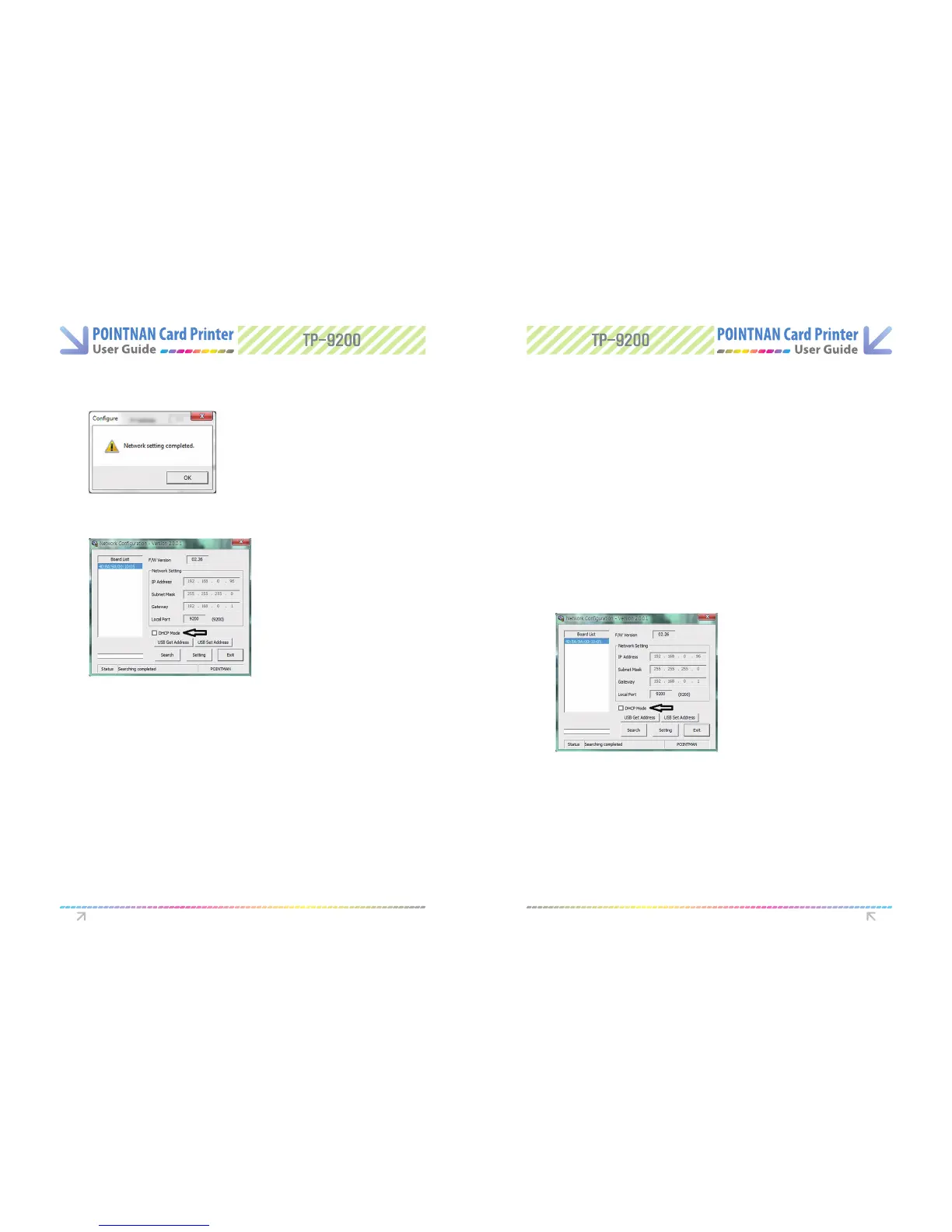
Search the connected Network Board by clicking “Search”
1
Select MAC address on Board List.
2
Input IP Address and Subnet Mask assigned by Network administrator.
3
Set Local Port for 9200 (this cannot be changed)
4
DHCP Mode box should not be checked. User should un-select this option when using
manual setting.
5
Click Setting button, It takes approximately 30 seconds for this setting. If it is set, the
printer will re-boot automatically. “Click Exit” to nish network setting or user can
check the new setting by “Clicking the Search” button.
6
Printer Driver Settings Printer Driver Settings
Network setting completed window will appear, if setting is completed “Click OK”.
7
“Click Exit” to nish network setting or user can check the new setting by “Clicking the
Search” button.
8



 To Next Page