• Checking the Battery Level
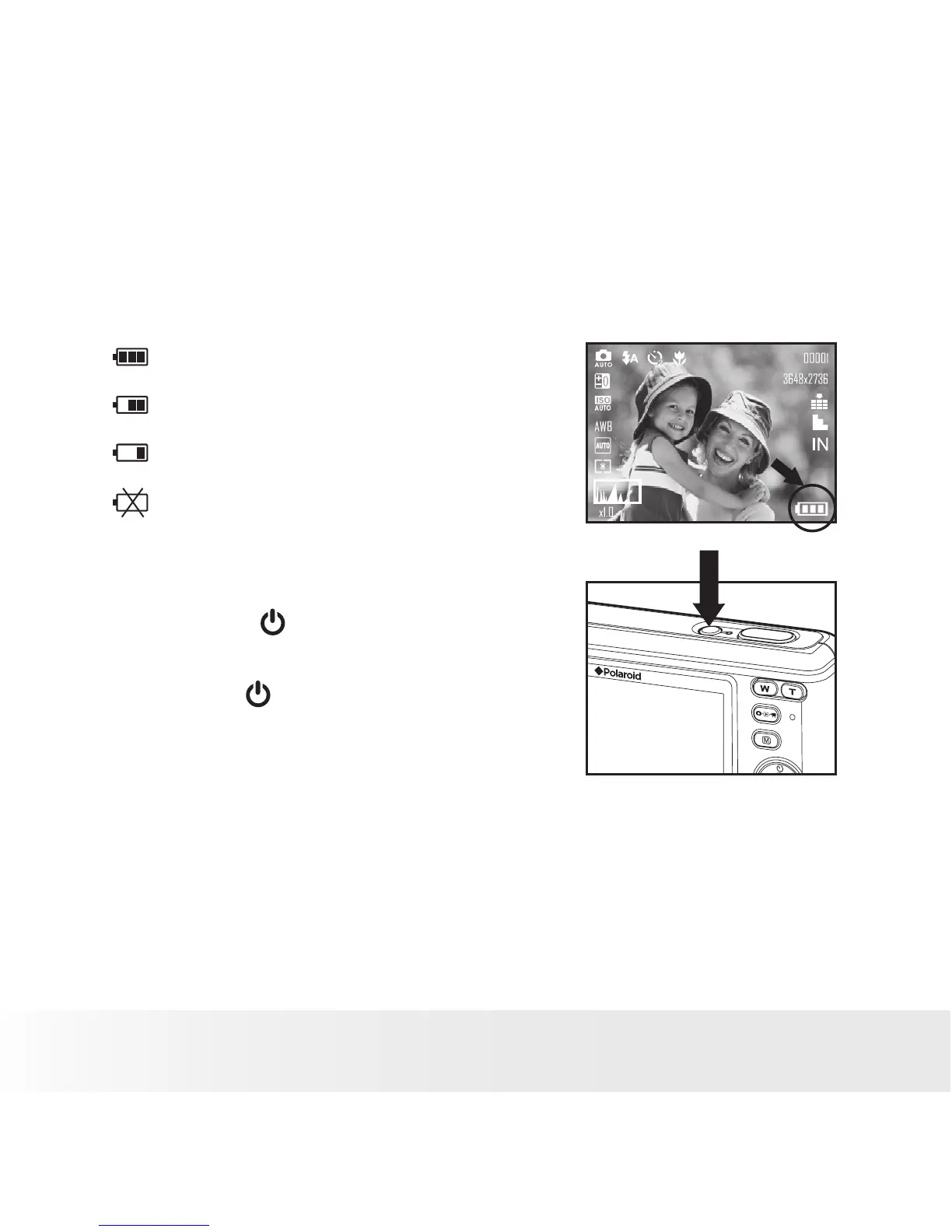
Check the battery power level before taking pictures.
1. Turn on the camera.
2. Check the battery power level that appears on the LCD screen.
Battery power is full.
Battery power is adequate.
Battery power is low.
Battery power is exhausted. Please
replace the battery.
• Turning the Camera On and Off
1. Press the (POWER) button until the
Power on LED screen turns on.
2. Press the (POWER) button again to turn
the power off.



 To Next Page
 Loading...








