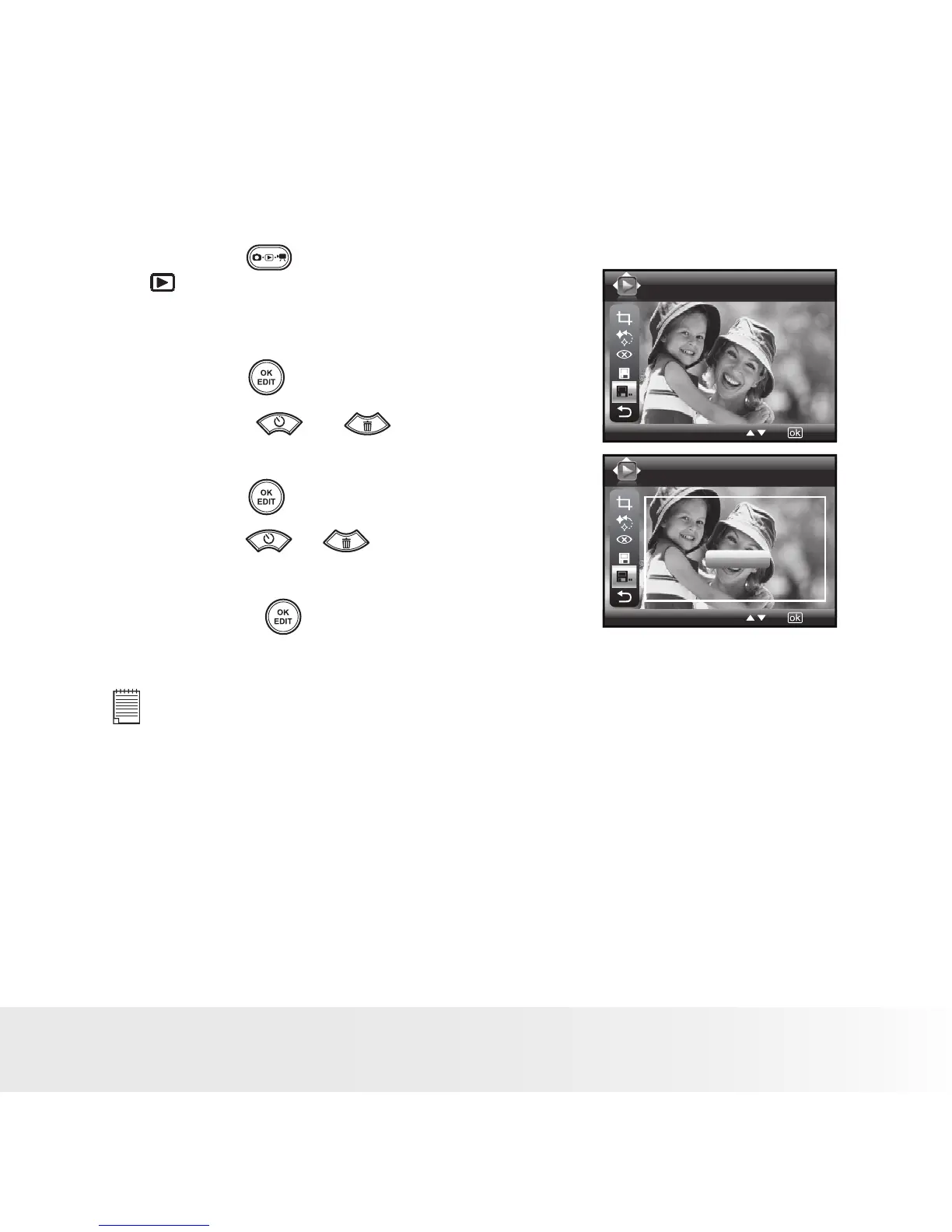
• Saving Your Pictures Using “SAVE AS”
1. Press the button to set the camera to
Playback mode.
2. Select an image you want to edit.
Save As
Save As
Save the image to ...
Cancel
OK
3. Press the button.
4. Press the or button to select
“Save As”.
5. Press the button to enter.
6. Press the or button to select the
desired setting.
7. Press the button to confirm your
choice.
NOTE:
A new picture will be created and saved onto the internal memory or
SD Card.



 To Next Page
 Loading...








