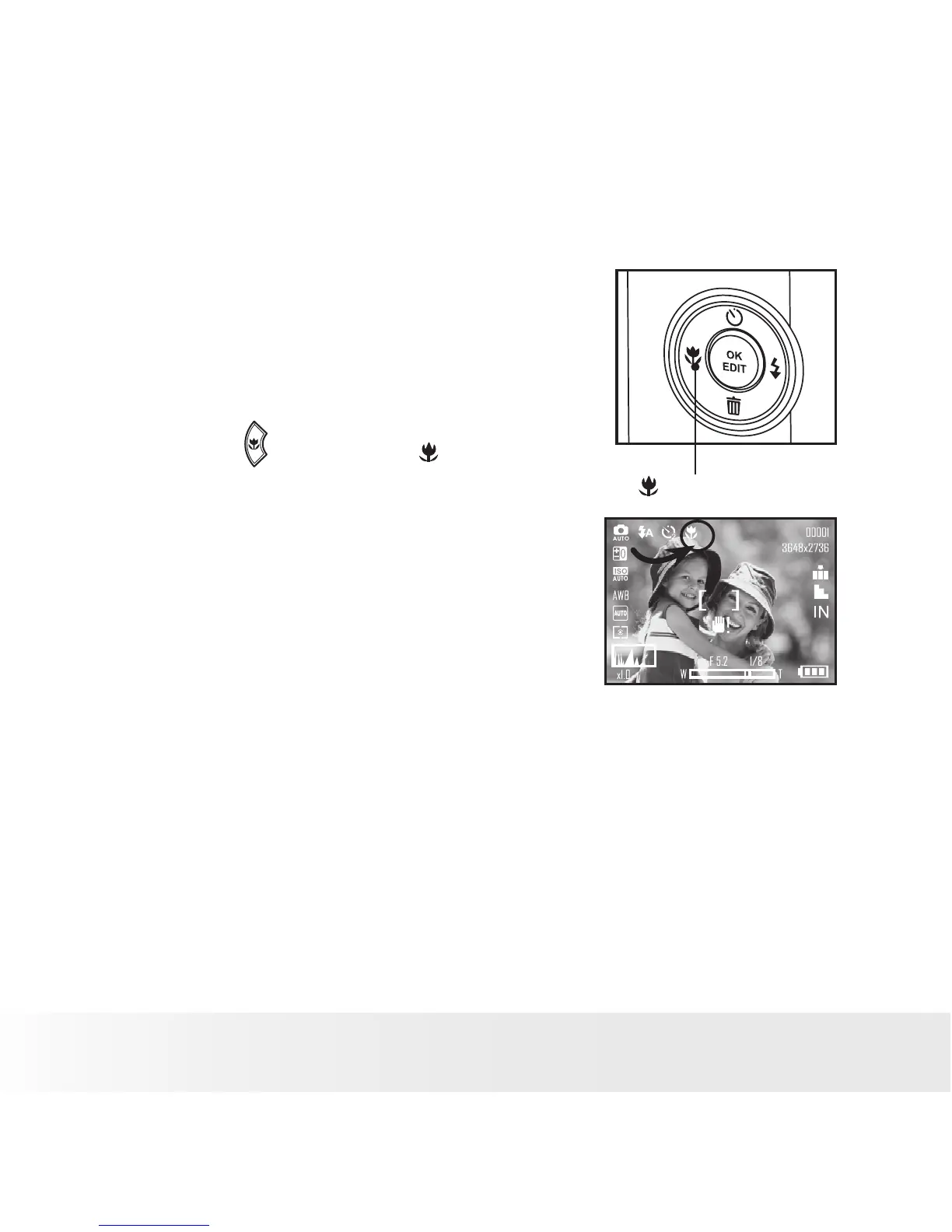
• Taking Pictures in the Macro Mode
Use this mode to capture subjects very close to the lens:
Wide Angle: 0.3 ~ 1.6 ft (10 cm ~ 50 cm)
Telephoto: 1.1 ~ 2.6 ft (35 cm ~ 80 cm)
1. Set the camera to Still Image mode.
2. Press the button and the icon appears
on the LCD screen.
3. Capture procedures are the same as for
taking a picture in the normal capture
mode. See page 28.
Macro



 To Next Page
 Loading...








