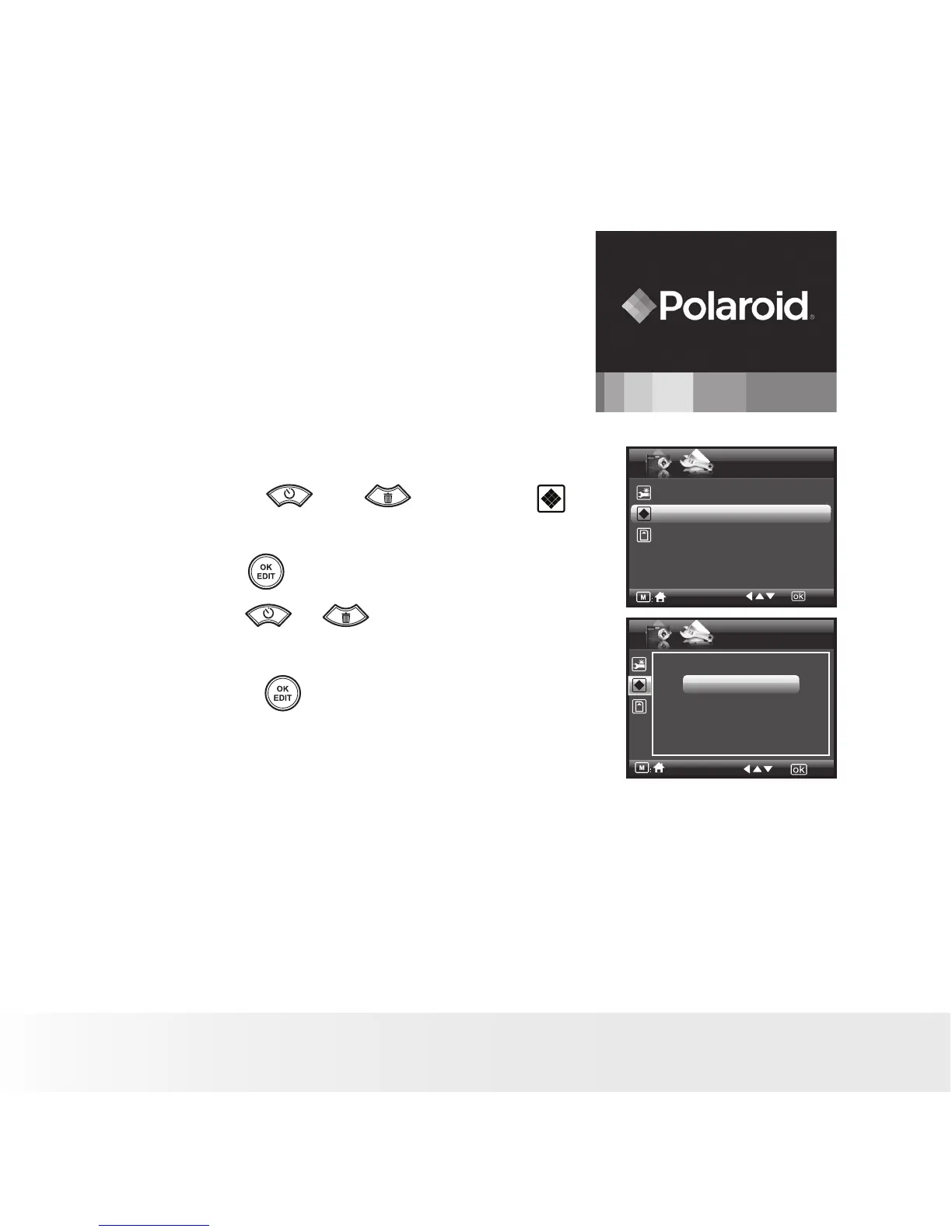
• Cancelling the Startup Image
A startup animation image appears on the LCD
screen for a few seconds when the camera is
turned on.
You may cancel displaying the startup image
by performing the following steps:
1. Access the setup menu.
2. Press the or to select
(Opening).
3. Press the button to enter.
4. Press the or button to select the
desired setting.
5. Press the button to confirm your
choice.
SETUP
Default Setting
Opening On
Storage Media Auto
3/3
Opening
Off
On



 To Next Page
 Loading...








