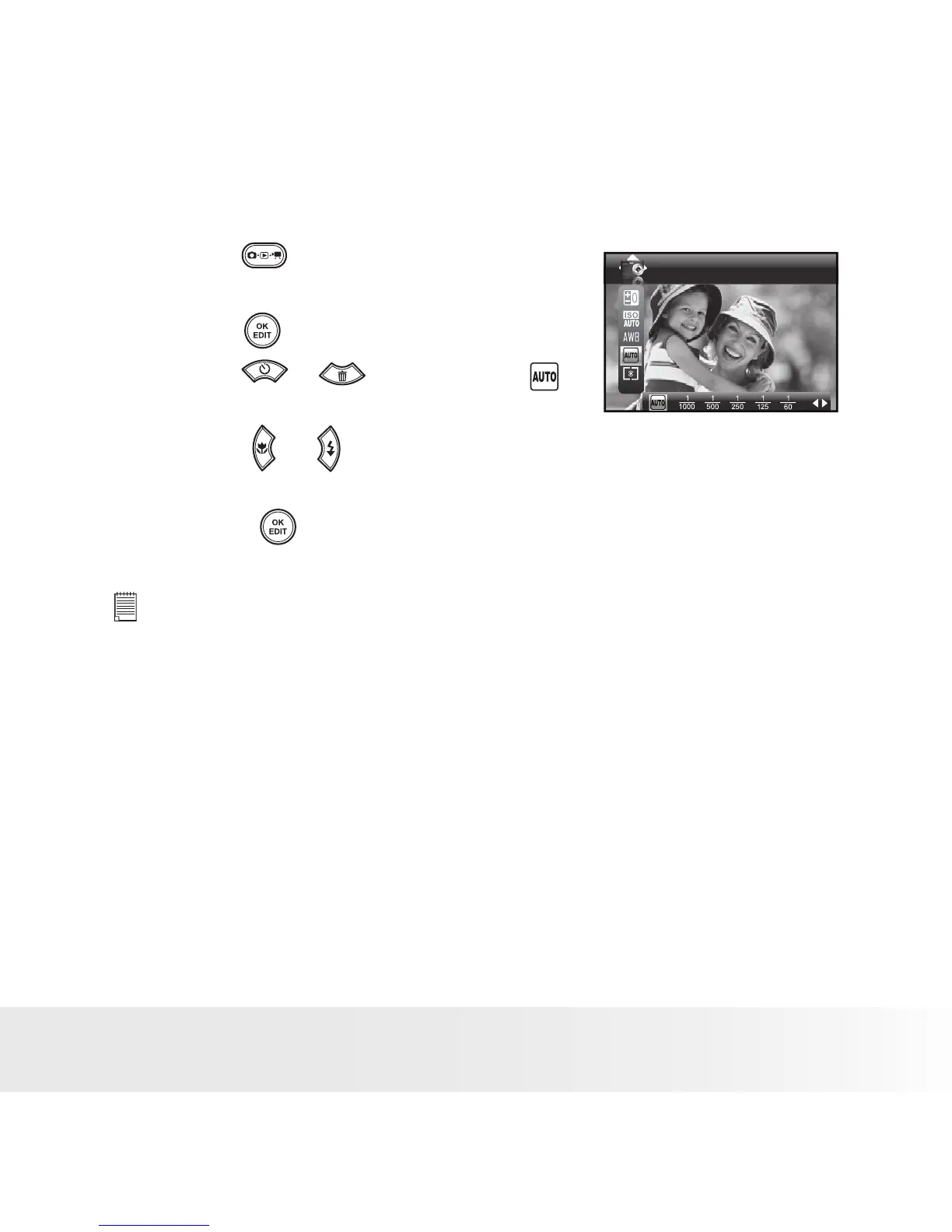
• Setting the Shutter Speed
1. Press the button to set the camera to
Still Image mode. (See page 31)
Shutter Speed
2. Press the button.
3. Press the or button to select
”Shutter Speed”.
4. Press the or button to select the
desired setting.
5. Press the button to confirm your
choice.
NOTE:
You can only adjust the shutter speed by using the camera in the Manual
mode.



 To Next Page
 Loading...








