• Turning the Auto-focus Assist Beam On and Off
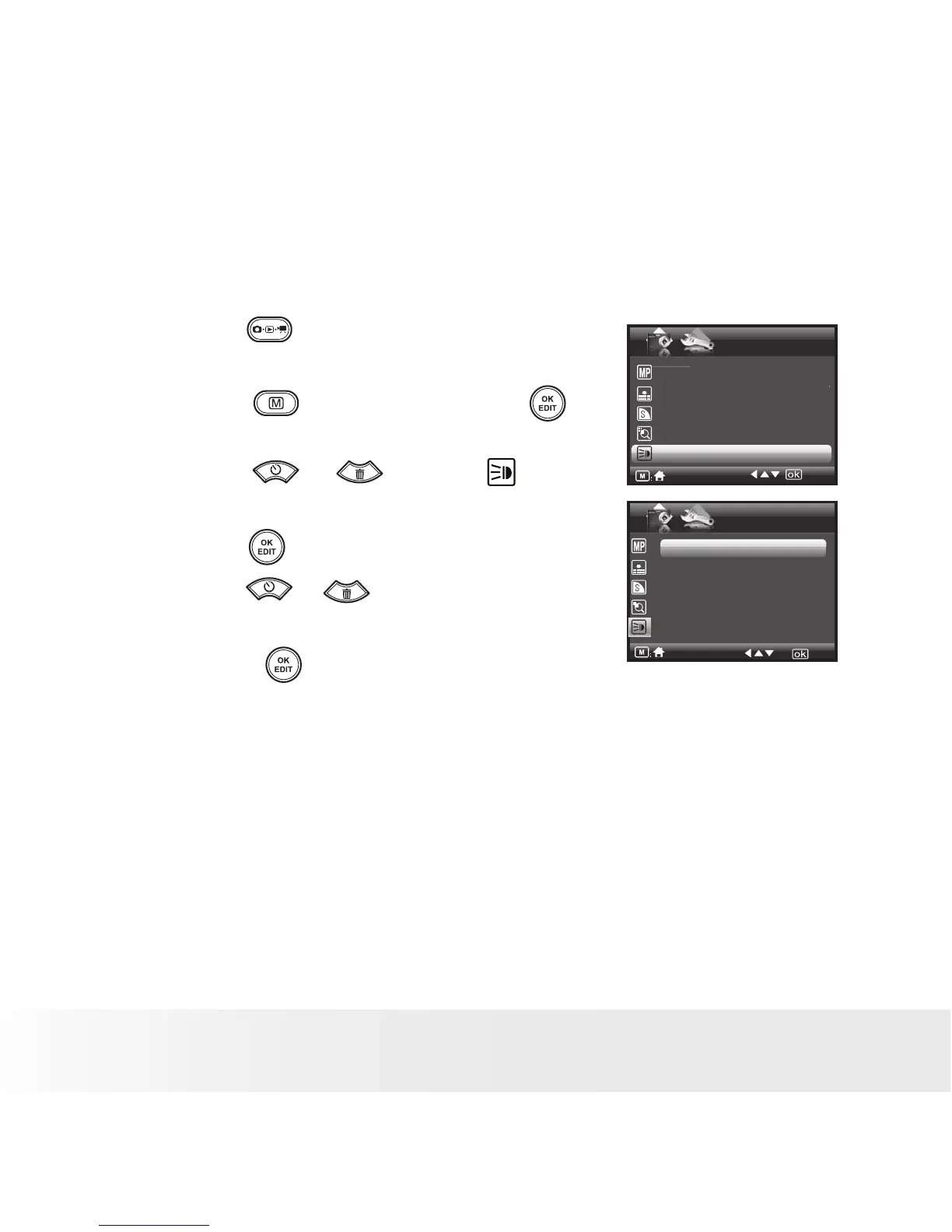
In this setting, you can turn the Auto-Focus assist beam on or off. When
it is turned on, the focus assistant lamp gives out a strong beam of light
and helps the camera easily focus on the subject.
1. Press the button to set the camera to
Still Image mode.
AF-assist Beam
Off
On
STILL
Resolution 3648x2736
Compression Super Fine
Sharpness Normal
Digital Zoom Off
AF- assist Beam Off
1/2
2. Press the button and press the
button to enter menu bar.
3. Press the or to select (AF-
assist Beam).
4. Press the button to enter.
5. Press the or button to select the
desired setting.
6. Press the button to confirm your
choice.



 To Next Page
 Loading...








