• Camera Modes
The camera has three working modes, Capture
mode, Playback mode and Video mode.
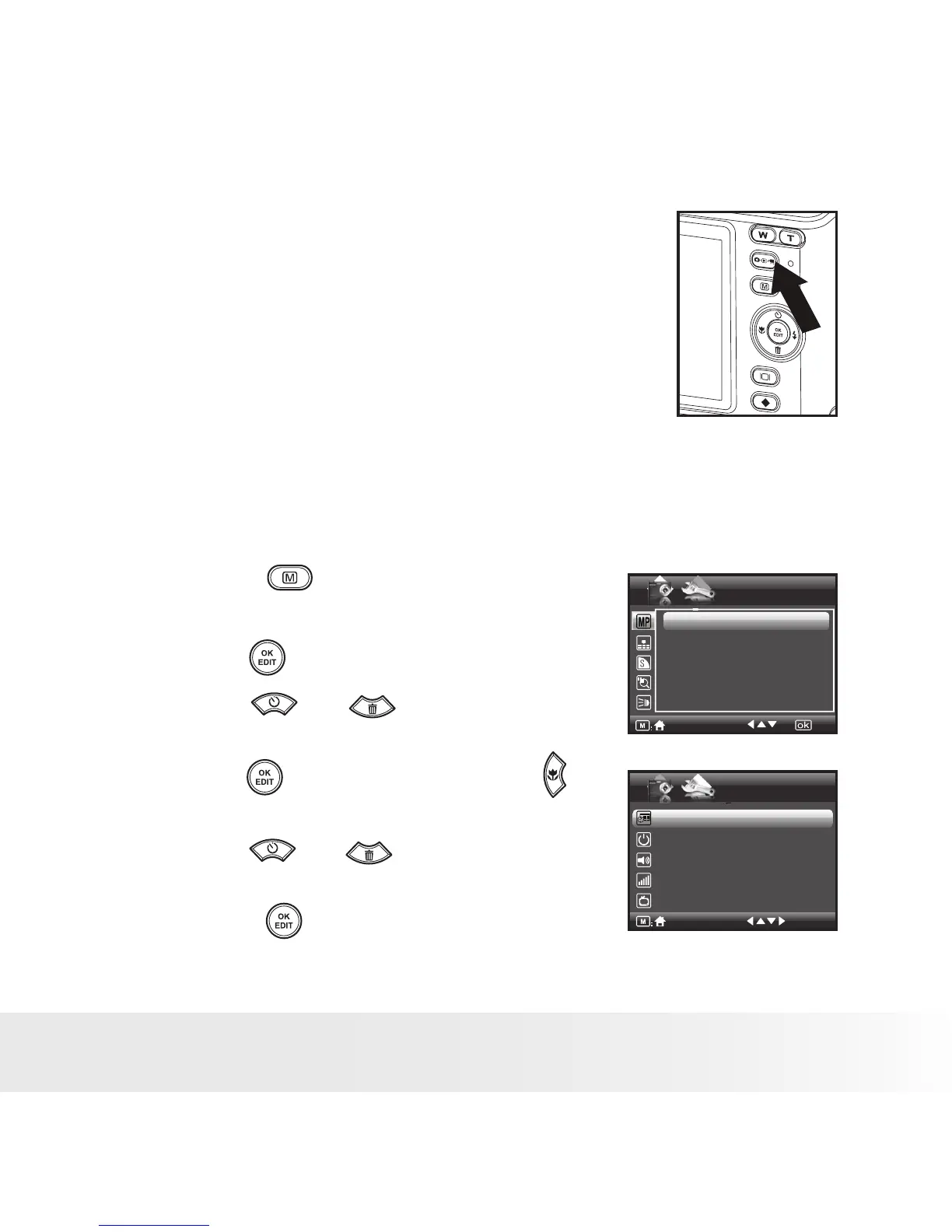
Pressing the mode button switches among
these modes.
• How to Navigate Menus
Menus are used to select capture and play settings, as well as other
camera settings like the Date/Time and Auto Power Off.
1. Press the button to enter Menu
Settings.
SETUP
1/3
Resolution
Menu Settings
Setup Settings
1/2
3648X2736
3648X2432
3648X2048
3264X2448
3072X2304
Date /Time
Auto Power Off 1 Minute
Beep Sound On
Volume
Video System LCD
2. Press the button.
3. Press the and buttons to scroll
up and down through menu bars.
4. Press the button to enter. Press the
button to back to menu bars.
5. Press the and buttons to select
options.
6. Press the button to confirm your
choice.



 To Next Page
 Loading...








