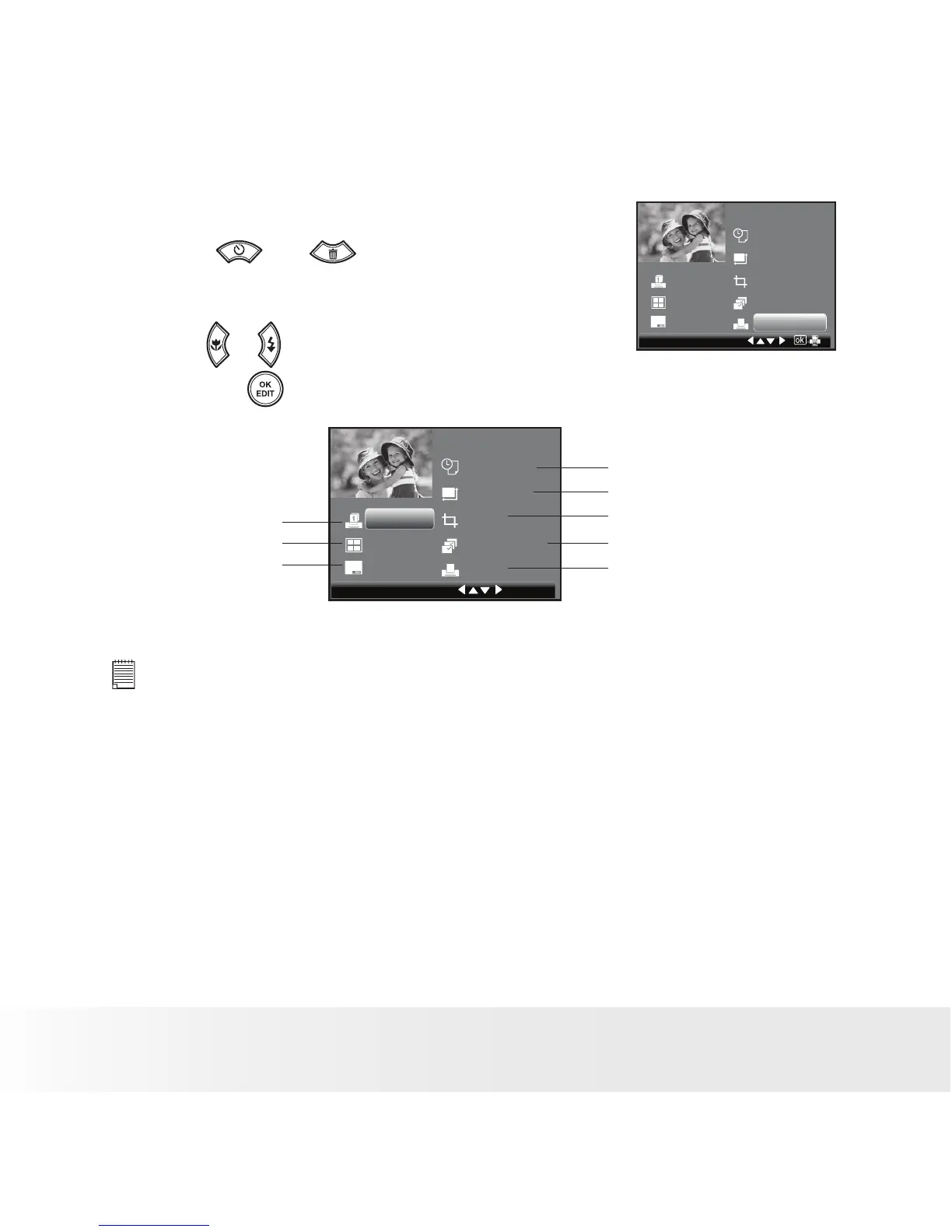
Selecting Print Settings
1. Press or button to select a
setting item.
1
Default
Default
Default
Default
Crop
Select Print
Print
Print
2. Press or button to adjust parameter or
press the button to enter submenu.
No. of Copy
Default
Default
Crop
Select Print
Print
1
Default
Default
Date Stamp On/Off
Paper Size
Image cropping
Select print mode
Printing
Number of Copies
Print Layout
File Name On/Off
NOTE:
• Print settings are congured for images only. Make sure there are no video
clips or other le besides images in the memory before printing.
• Not all printers will support all these print options. Please refer to the printer
user guide for options available
•
The camera’s print settings are not supported by some printers. The LCD
screen shows those settings that are available for the currently connected
printer.



 To Next Page
 Loading...








