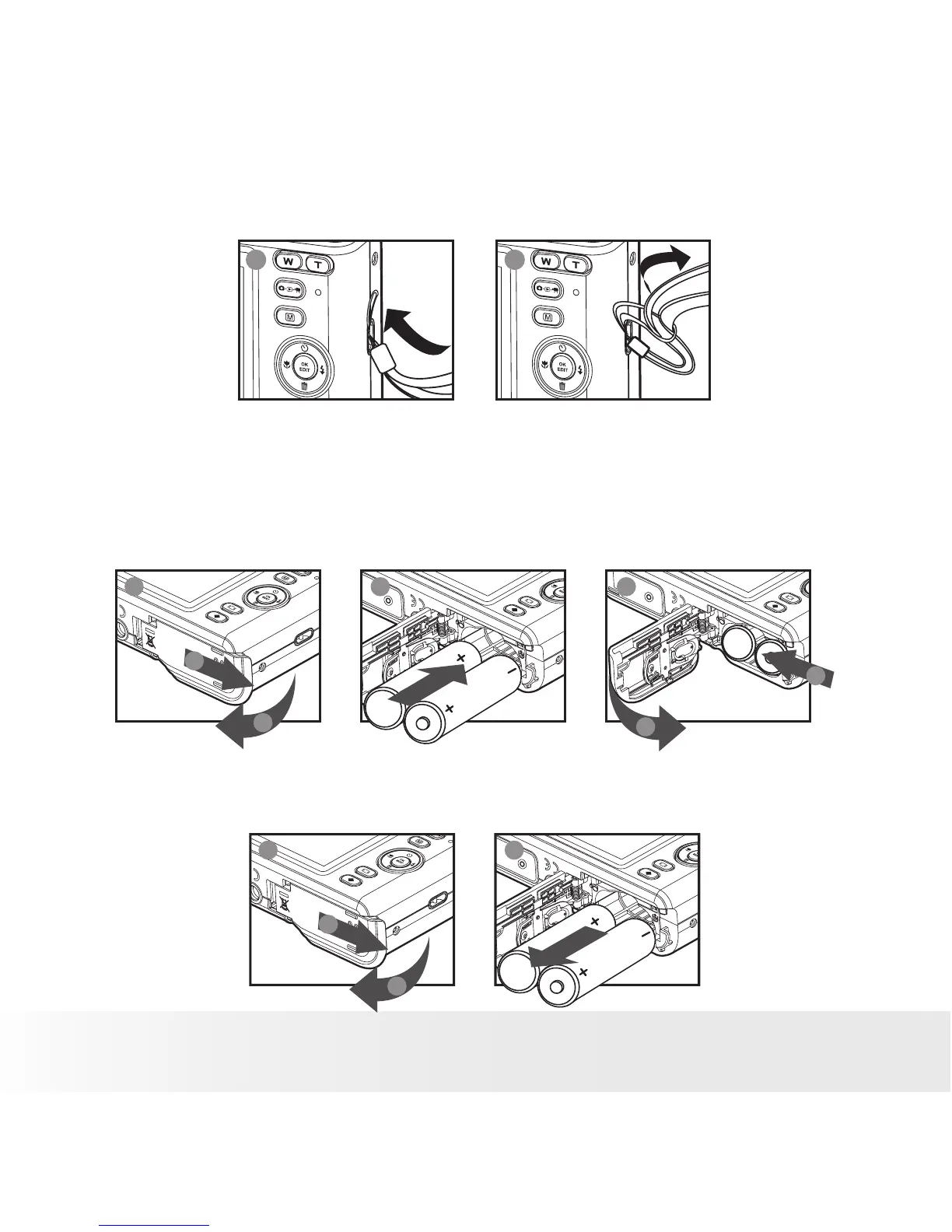
• Attaching the Wrist Strap
1 2
• Installing and Removing the Battery
1. Open the camera’s battery/SD card door by pushing it outwards as
illustrated.
2. Insert the batteries as shown.
3. Close the battery/SD card door by pressing it downwards then slide it
back to lock.
a
b
1 2 3
a
b
4. To remove the batteries, slide the battery lock in the direction of the
arrow and the batteries will eject out of the battery compartment.
5. Pull the batteries with your finger in the direction of the arrow.
a
b
1 2



 To Next Page
 Loading...








