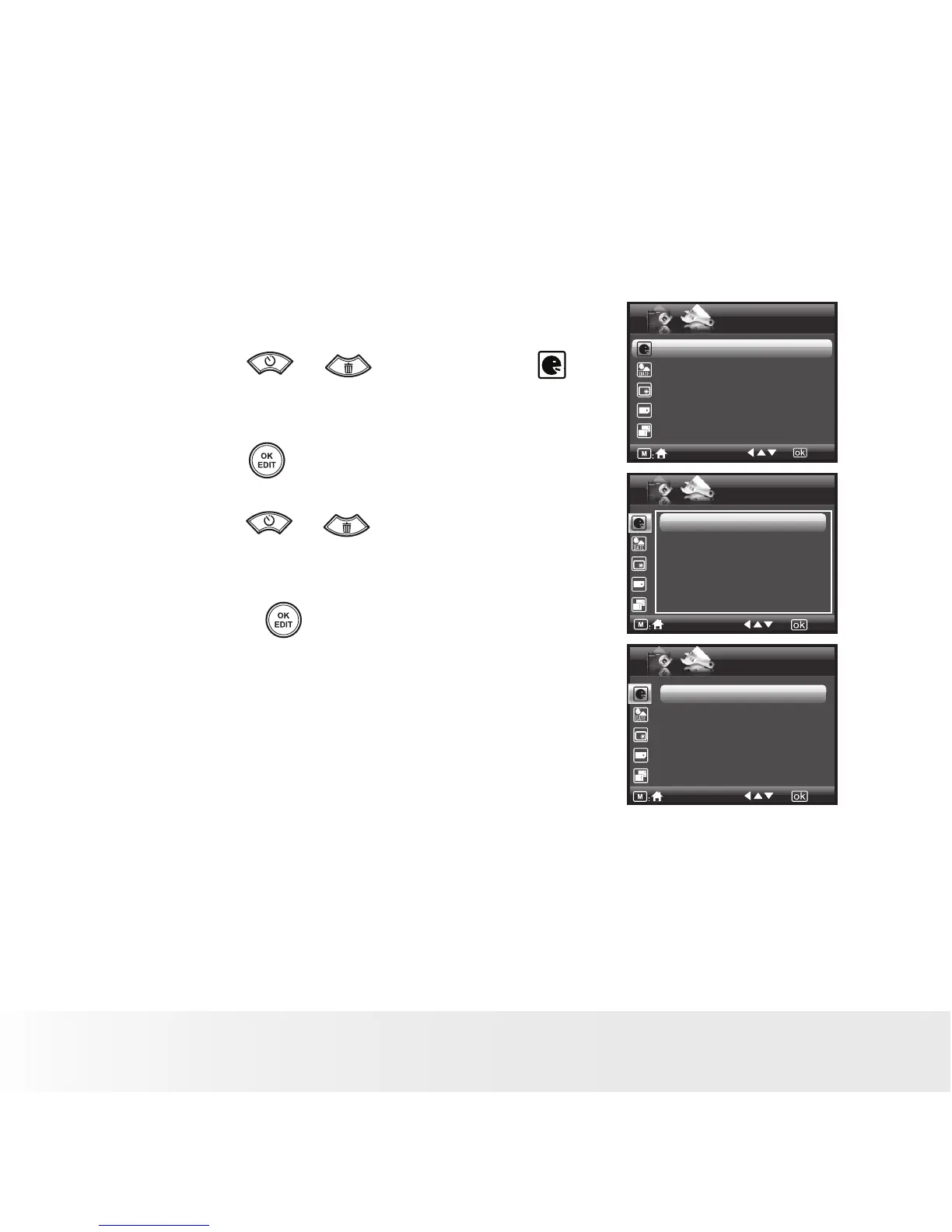
• Setting the Display Language
Using this setting, you can select the language you prefer for the LCD
screen.
1. Access the setup menu.
2. Press the or button to select
(Language).
3. Press the button to enter.
4. Press the or button to select the
desired setting.
5. Press the button to confirm your
choice.
SETUP
Language English
Date Stamp Off
LCD Brightness
Format Internal Memory
Sequence No. Off
2/3
Language
1/4
English
Deutsch
Français
Español
Italiano
Language
2/4
Português
日本语
简体中文
Nederlands
Polski



 To Next Page
 Loading...








