• Taking Pictures in Different Scene Shooting Modes
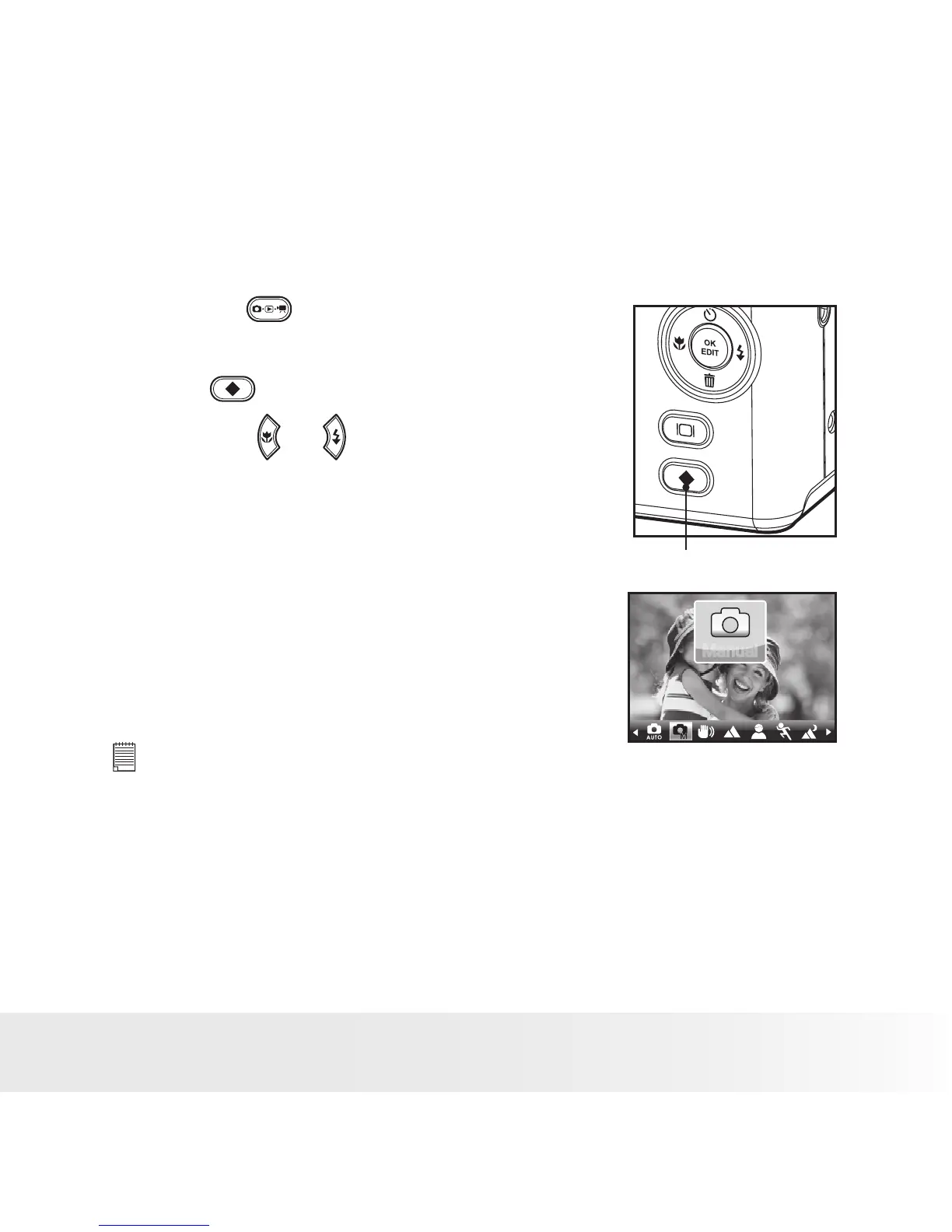
Select the scene mode that suits the picture you will capture:
1. Press the button to set the camera to
Still Image mode.
2. Press
button to access scene mode.
3. Press the or button to select the
desired setting.
Scene Mode Button
Manually set parametersfor the
scene
Manual
Manual
NOTE:
Capture procedures are the same as for taking a picture in the normal capture
mode.



 To Next Page
 Loading...








