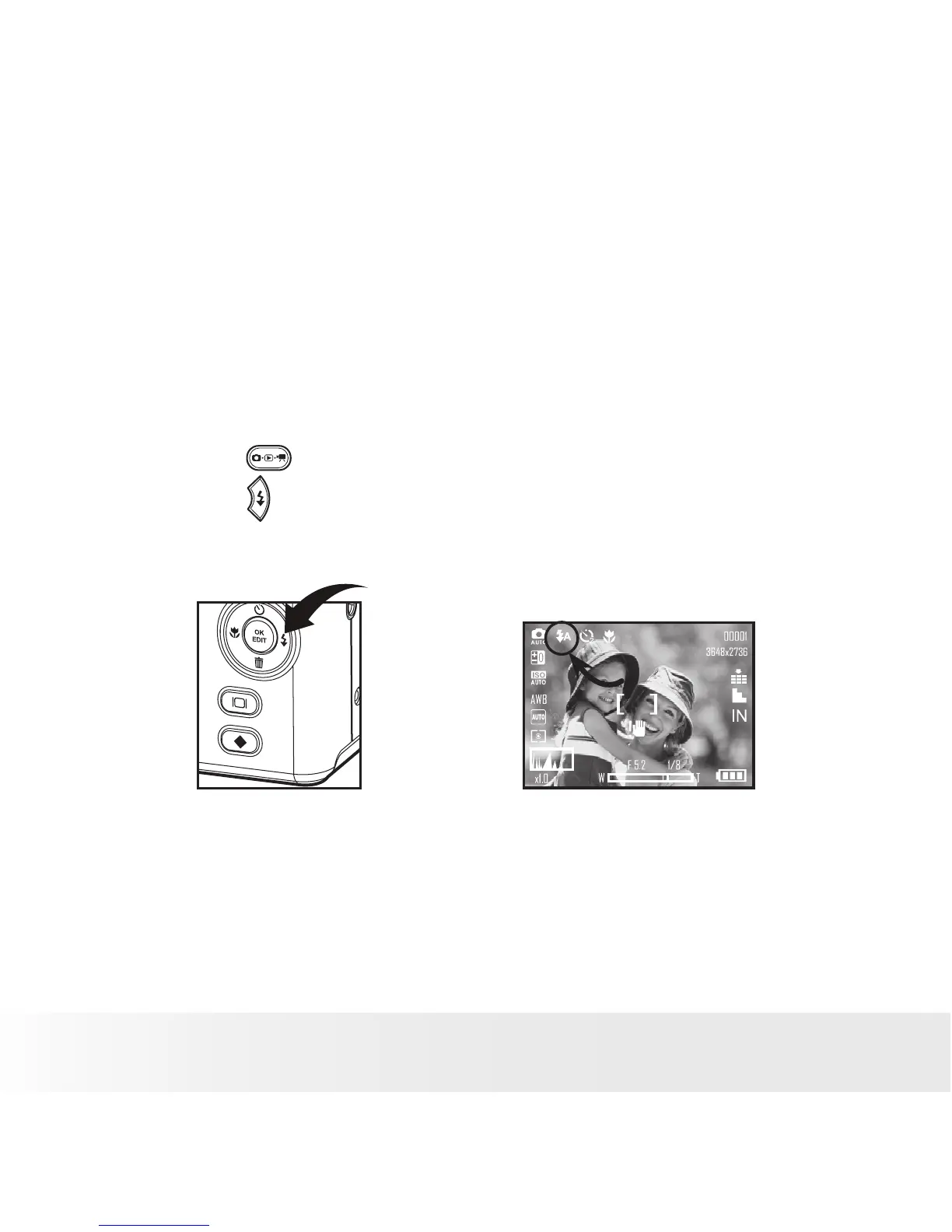
• Setting Flash Mode
Use the flash when you take pictures at night, indoors, you see the “Shake
Warning” or outdoors in dimly lit areas. The camera has four flash modes
(default setting is Auto Flash).
Flash Range:
Wide: 0.6m ~2.3 m (1.9 ft~7.4 ft)
Tele: 0.6m ~1.3 m (1.9 ft~4.2 ft)
1. Press the button to set the camera to Still Image mode.
2. Press the button to cycle through the flash settings and select the
one you need. The icon (according to the flash setting you selected)
will appear on the LCD screen.



 To Next Page
 Loading...








