Table 2-6 Accessibility Features for Users with Limited Mobility (continued)
Accessibility Feature Description
Calling from a personal device With administrator credentials, you can wirelessly access the system web interface from
your own device to make calls and manage contacts and favorites.
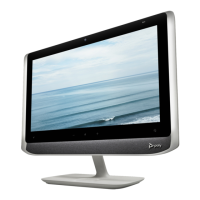
Touch-capable monitor support If you have a touch-capable monitor connected to the system, you can select, swipe, and
press the screen to perform functions and activate features.
6 Chapter 2Getting Started


 To Next Page