Hardware installation3
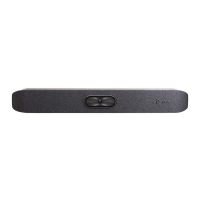
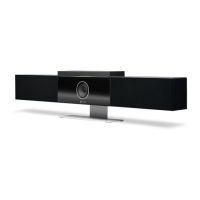
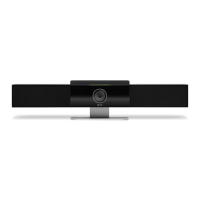
Mount your Poly Studio X72 system and connect the required peripherals and any optional peripherals.
Required components
Your system requires the following components to function properly.
● The supplied system power adapter
● An active network connection
● A monitor connected to HDMI port 1
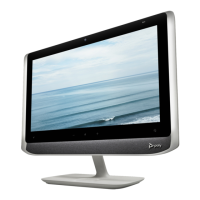
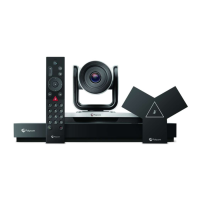
● A system controller such as a Poly TC10, Poly TC8, remote control, or touch monitor
Mounting your Poly Studio X72 system
You can mount the Poly Studio X72 system using the included wall mount. Additional mounting options include a
VESA mount and a table stand sold separately.
For information on mounting your Poly Studio X72 system, see the Poly Studio X72 quick start guides on the HP
Support site.
Connect monitors to the Poly Studio X72 system
Connect one or two monitors to the system to display people and content.
Poly Studio X72 supports connecting two 4K monitors. However, support for 4K output depends on the supported
output resolution of the provider you choose.
NOTE: While video output can go to both monitors, audio output will only route to the monitor connected to
HDMI 1 when you select TV Speakers as the output.
1. Connect one end of the HDMI cable to HDMI port 1 on the primary monitor.
2. Connect the other end of the HDMI cable to the HDMI 1 port on the system.
3. To connect a second monitor, connect an HDMI cable from the HDMI 2 port on the system to the HDMI 1
port on the secondary monitor.
Connect the system to your network
To pair the system with a Poly TC10 or Poly TC8 connect the system to your network. To connect to Poly Lens
and receive updates from the Poly update server, your system must have access the internet.
Hardware installation
7


 To Next Page