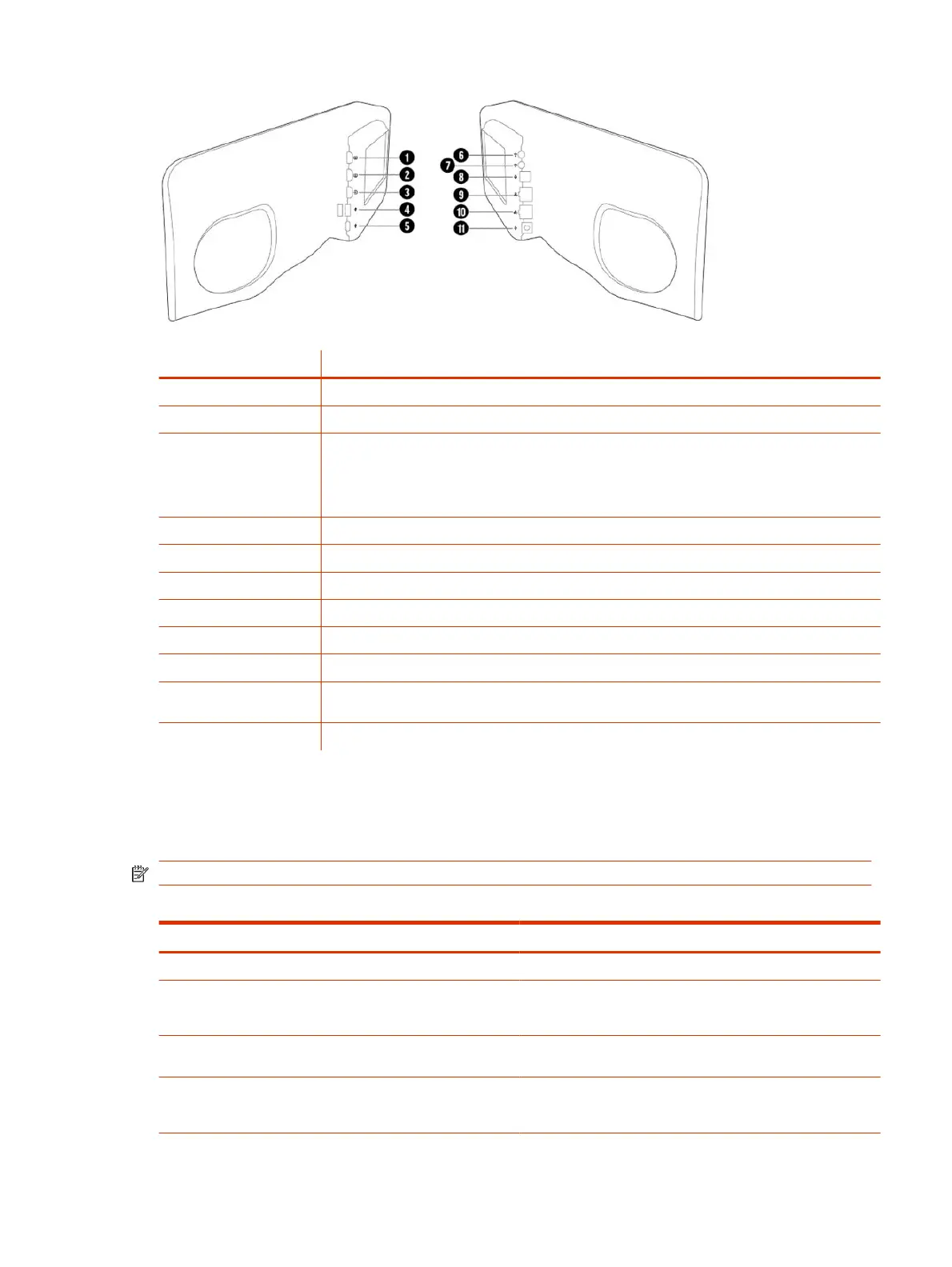
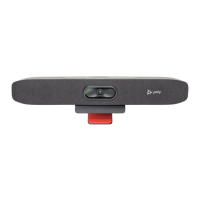
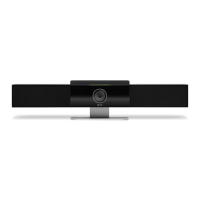
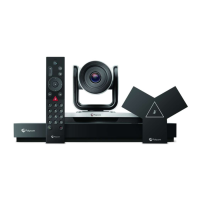
Table 2-2 Poly Studio X72 hardware port descriptions
Ref. Number Port Description
1 HDMI output for the secondary monitor
2 HDMI output for the primary monitor
3 HDMI input
Connects a laptop for content sharing or to use the system monitor in Device Mode
Connects an HDMI camera for use as an additional people camera
4 USB-A ports
5 USB Type-C port (for Device Mode only)
6 3.5 mm audio line in
7 3.5 mm audio line out
8 Expansion microphone connection
9 LAN connection for the system
10 Link-local network (LLN) connections for IP-based peripheral devices
(supported in a future Poly VideoOS release)
11 Power cord port
Poly Studio X72 privacy shutter behavior
The privacy shutter automatically opens and closes depending on the state of the connected video system.
NOTE: Shutter behavior may vary depending on the partner application.
Table 2-3
Poly Studio X72 privacy shutter behavior
System event Shutter behavior
The system powers on Shutters open
The system powers off Shutters close
NOTE: If you remove power immediately, the shutters don't close.
The system enters sleep mode or digital signage starts and the
Camera Sleep Setting is set to Save Energy
Shutters close
The system enters sleep mode or digital signage starts and Camera
Sleep Setting is set to Fast Wake
Shutters remain open
NOTE: When Fast Wake is set, the shutters never close.
Poly Studio X72 privacy shutter behavior 3


 To Next Page