Getting Started2
The Poly Studio X72 enables you to set up a large video conferencing room with flexibility and options depending
on the number of occupants and type of facility.
This user guide provides information on hardware installation, set up, and connecting peripherals to the Poly
Studio X72 system. For more information on configuring specific system settings, see the Poly Video Mode
Administrator Guide.
Poly Studio X72 hardware
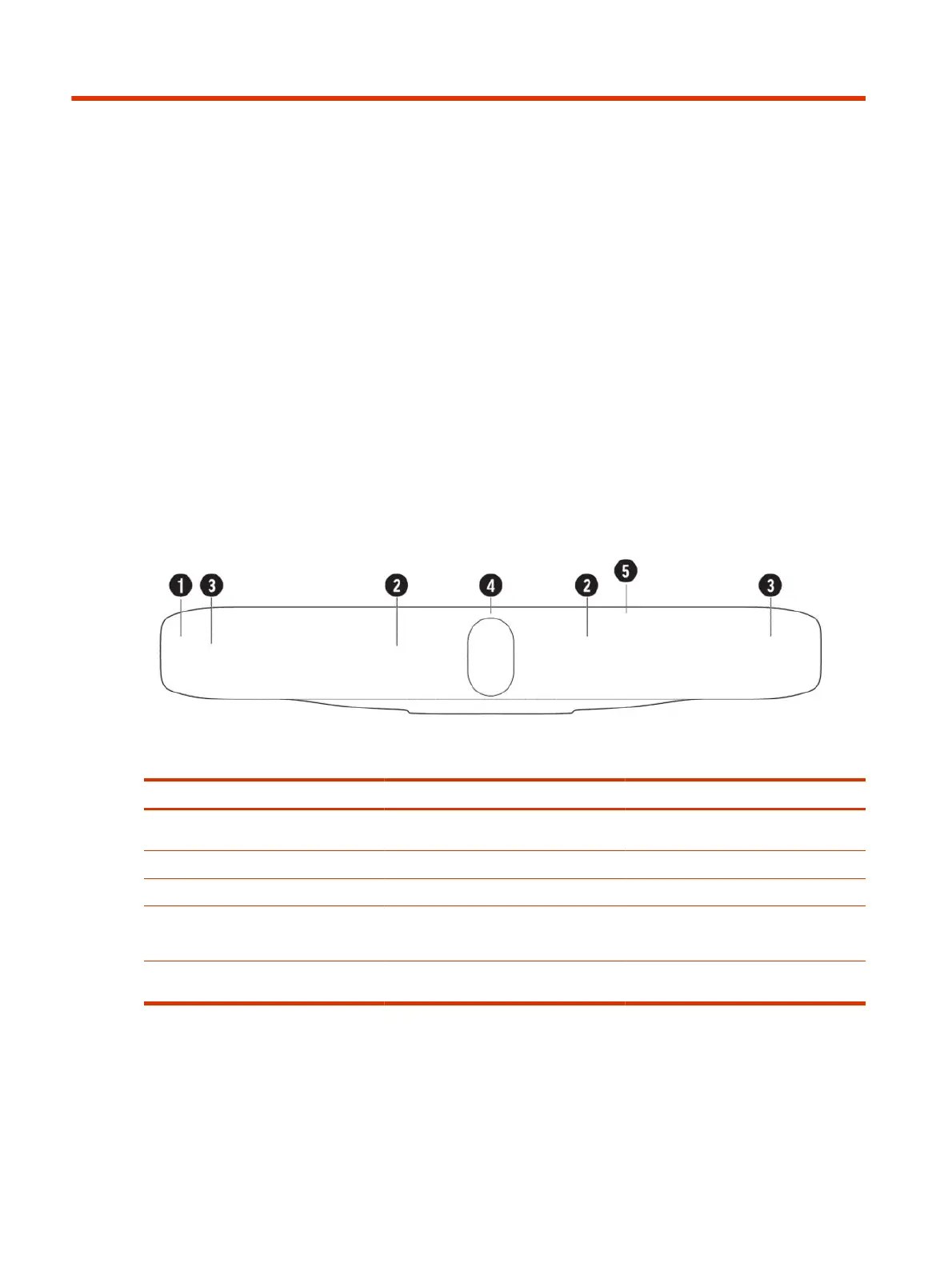
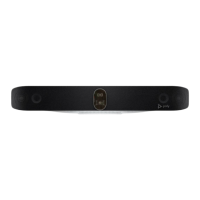
The following illustration and table explain the hardware components on your Poly Studio X72 system.
Table 2-1
Poly Studio X72 hardware components
Ref. Number Feature Description
1 Mesh screen Protective screen that covers the front of the
system
2 Microphone array Microphone array that captures audio
3 Speakers Audio output
4 Dual cameras Camera array with a privacy shutter that
automatically opens or closes, depending on
the camera state
5 LED indicators Indicates the system status and information
on the tracked speaker
Poly Studio X72 hardware ports
The following illustration and table explain the hardware ports on your Poly Studio X72 system.
2
Chapter 2Getting Started


 To Next Page