26-92 PN-0908073 Rev. 11
PS 164-2
THE ART OF WELDING
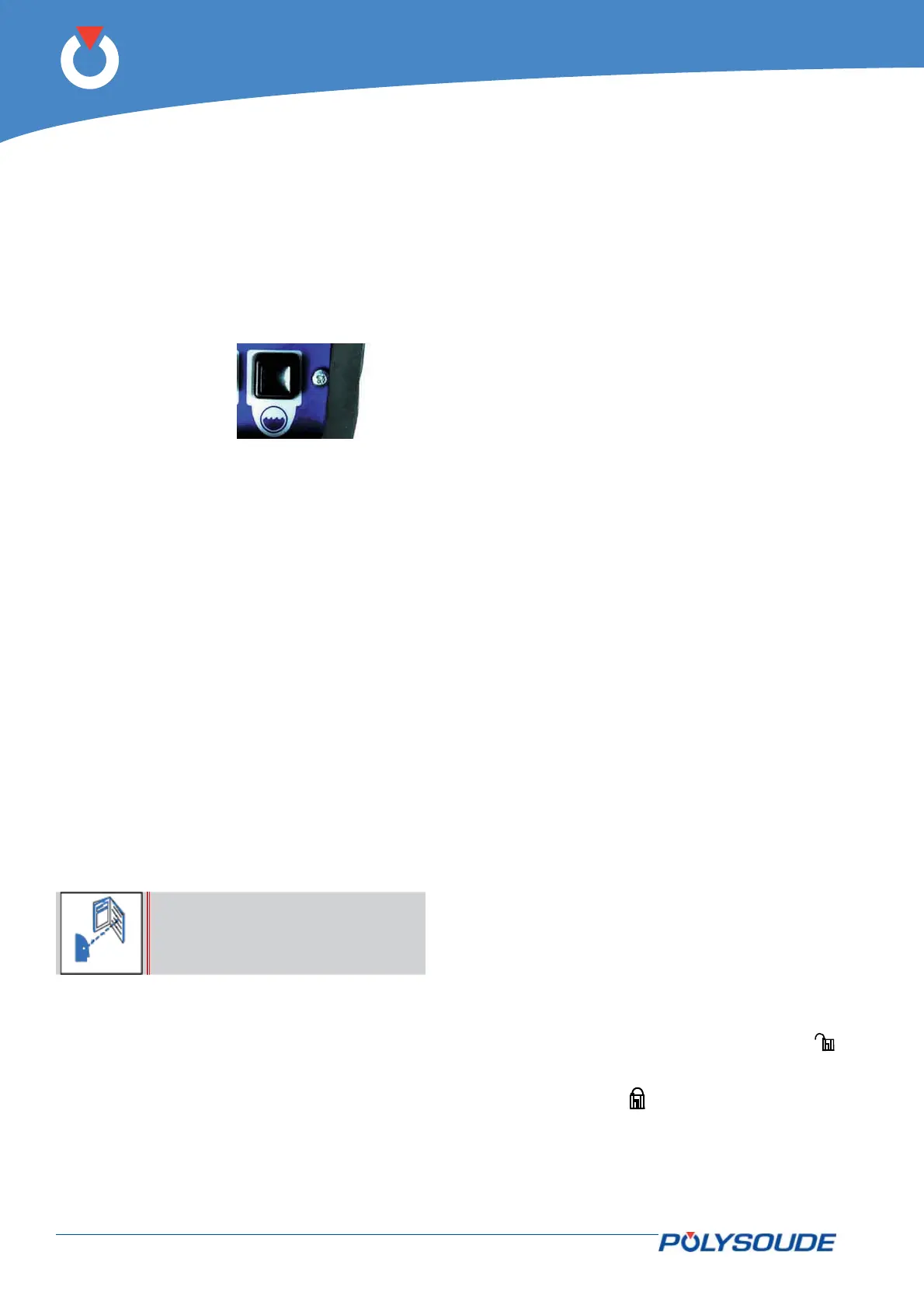
5. 1. 5. Manual cooling system start
After changing a welding head, and particularly if you
use an extension cable, it is possible that the coolant
system contains some air. After the start of a cycle a
fault in the cooling system can be detected (11 is the
number of this error code). With the button BT 15
you can switch on the cooling circuit pump to replen-
ish the system before starting the next cycle.
Fig. 5.4 - Push button "cooling circuit" - Start pump
"cooling circuit"
5. 2. Programmation surface
General explanation of the functions
◊ Updating the date and time
The time and date can be entered into the memory
of the PS 164-2. Both the time and the date then ap-
pear on any printed weld cycle report.
◊ Entering your company name
The name of the company can be stored in the
PS 164-2. This name also appears on any printed
weld cycle report. However, it is not stored on the
memo card.
◊ Entering the program name
The switch BT 4 on the remote control pendant is
used to select a program allocation. Furthermore,
each time a program is created it can be given a
name. This makes it easier later on to look for a spe-
cifi c program.
Before the name of a program is
input, the range of current must
be chosen with the SY 30 selector
The name of the program can consist of up to 8 char-
acters. A character can be any letter of the alphabet,
any number, a space, a full stop or a comma. The
name is shown on the display of the power source
after a program is selected, it is printed on the pro-
gram lists and the weld cycle reports, and it is saved
on the corresponding memo card.
◊ Making a program
There are two different ways to make a welding pro-
gram. You can make a copy of a built-in program
which already exists in the machine memory and
modify it, or you can create a completely new pro-
gram.
◊ Copy and modifi cation of an existing pro-
gram
The power source PS 164-2 comes with more than
60 built-in programs already stored in the machine
memory. These programs correspond to the most
often faced orbital welding problems. Knowing the
tube material, diameter and wall thickness, you can
choose a program which is similar to your application,
copy it in one of the 16 user programs and modify it
exactly to your requirements. A list of the 60 stored
built-in programs is given in Appendix 5.1.
◊ Creating a new program
When creating a program, the dialogue will guide
you by indicating when to introduce parameter val-
ues. Proposed values correspond to most regularly
encountered ones in orbital welding. For a program
to be created, the proposed parameters are for ex-
ample:
• Forward rotation without pulsation.
• Pulsed current.
• Wire without pulsation, if the selected range of
current is 160 A.
• Without wire, if the selected range of current is
50 A
For a list of the proposed parameter values, please
refer to chapter 5.3.11. You are not obliged to enter
all the choices if some of the parameters and condi-
tions already correspond to what you require.
◊ Modifying a program
Outside of a weld cycle you can modify every pro-
gram present in the power source’s memory using
the synopsis. The operating mode is the same as
that for creating a program.
◊ Saving a program in the power source
memory
The creation and modifi cation of programs in the
memory of a PS 164-2 is only possible if the key
operated switch "Modifi cation authorised or not" is
in the position "Modifi cation authorised" (symbol
). You can protect your programs by positioning the
key operated switch in the "Modifi cation not author-
ised" position (symbol
) and remove the key.



 To Next Page