System Installation
RUBY-9715VG2AR User’s Manual 3-4
3.3 Installing the Single Board Computer
To install your RUBY-9715VG2AR into standard chassis or proprietary environment,
you need to perform the following:
Step 1: Check all jumpers setting on proper position.
Step 2: Install and configure CPU and memory module on right position.
Step 3: Place RUBY-9715VG2AR into the dedicated position in your system.
Step 4: Attach cables to existing peripheral devices and secure it.
WARNING
Bus Interface Fully complies with PCI Local Bus specification V2.2 (support 6 master
PCI slots).
Note:
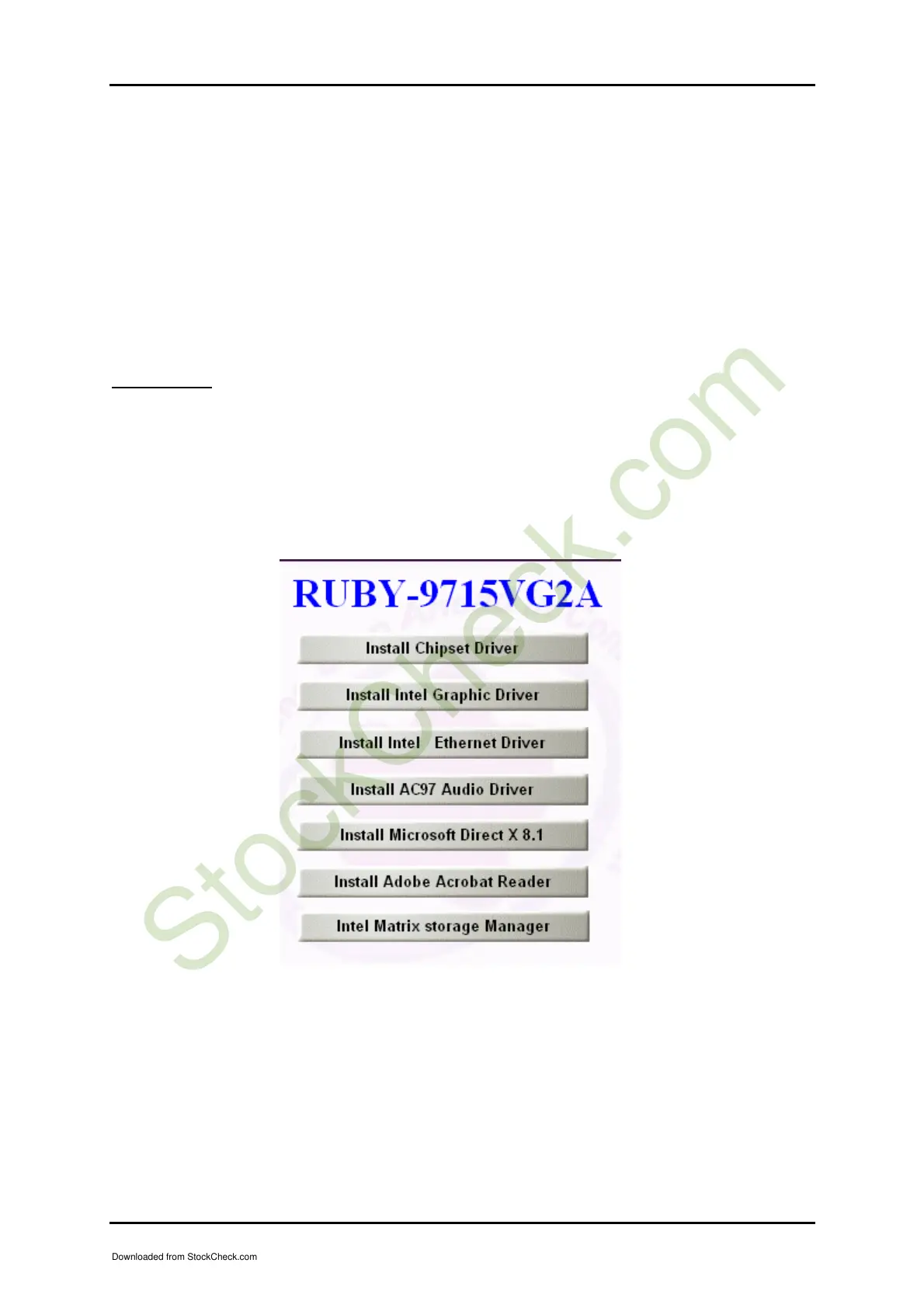
Please refer to section 3.4.1 to 3.4.4 to install INF/VGA/LAN/Audio drivers.
Downloaded from StockCheck.com














 To Next Page