BIOS Setup Information
RUBY-9715VG2AR User’s Manual 4-3
4.3 Standard CMOS Setup Menu
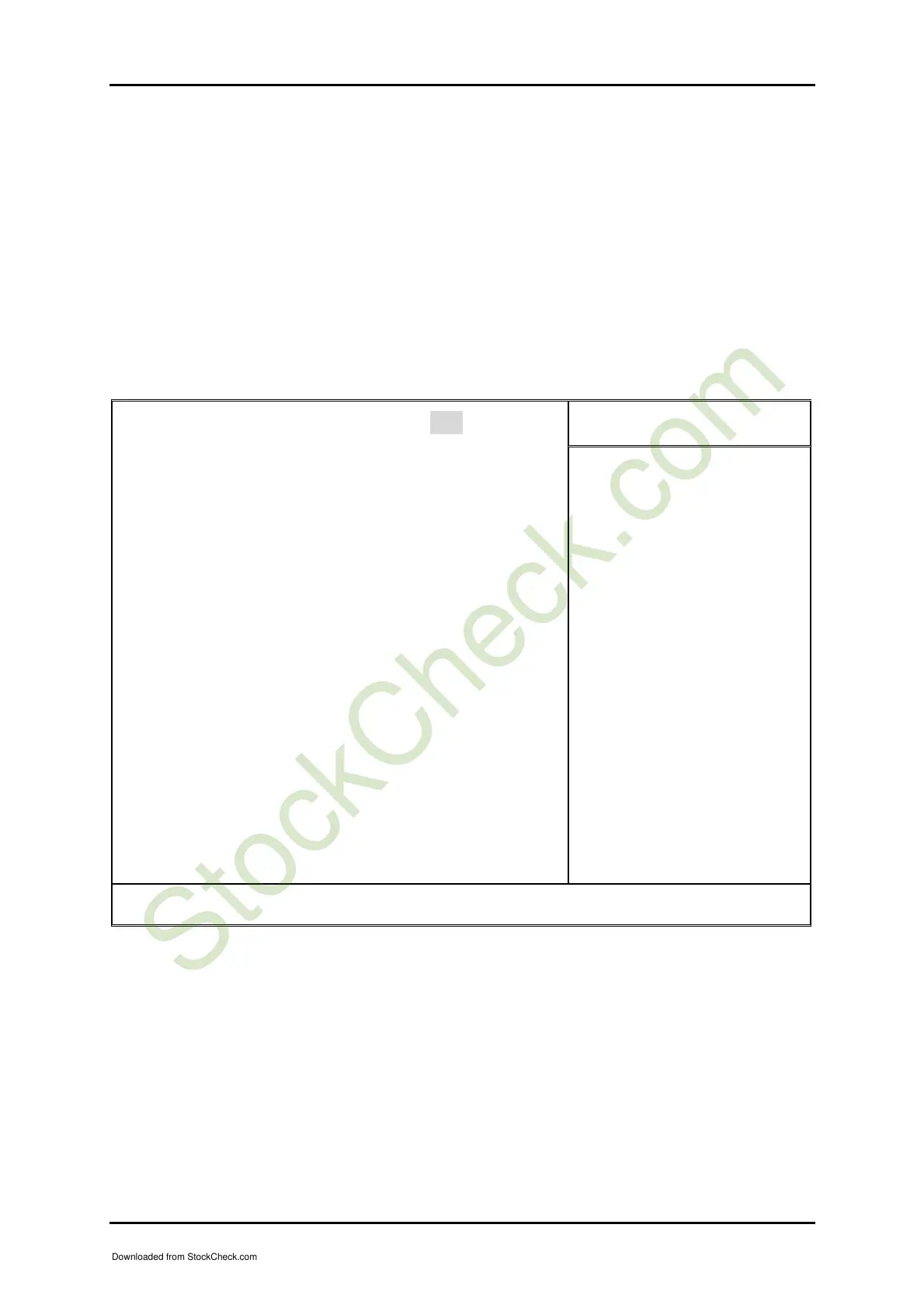
This setup page includes all the items in standard compatible BIOS. Use the arrow
keys to highlight the item and then use the <PgUp>/<PgDn> or <+>/<-> keys to
select the value or number you want in each item and press <Enter> key to certify it.
Follow command keys in CMOS Setup table to change Date, Time, Drive type, and
Boot Sector Virus Protection Status.
Phoenix- AwardBIOS CMOS Setup Utility
Standard CMOS Features
Item Help
Date (mm:dd:yy) Mon, Apr 25 2005
Time (hh:mm:ss) 15 : 19 : 30
f IDE Channel 0 Master [Maxtor 91021U2]
f IDE Channel 0 Slave [CD-540E]
f IDE Channel 2 Master [None]
f IDE Channel 2 Slave [ST380817AS]
f IDE Channel 3 Master [None]
f IDE Channel 3 Slave [ST380817AS]
Drive A [1.4M, 3.5 in.]
Drive B [None]
Floppy 3 Mode Support [Disabled]
Video [EVG/VGA]
Halt On [All, But Keyboard]
Base Memory 640K
Extended Memory 514048K
Total Memory 515072K
Menu Level f
Change the day, month,
year and century
↑↓→←: Move Enter: Select +/-/PU/PD: Value F10: Save ESC: Exit F1: General Help
F5: Previous Values F6: Fail-Safe Defaults F7: Optimized Defaults
Note:
Setting On-Chip Serial ATA is Enhanced Mode.
Downloaded from StockCheck.com














 To Next Page