System Installation
RUBY-9715VG2AR User’s Manual 3-5
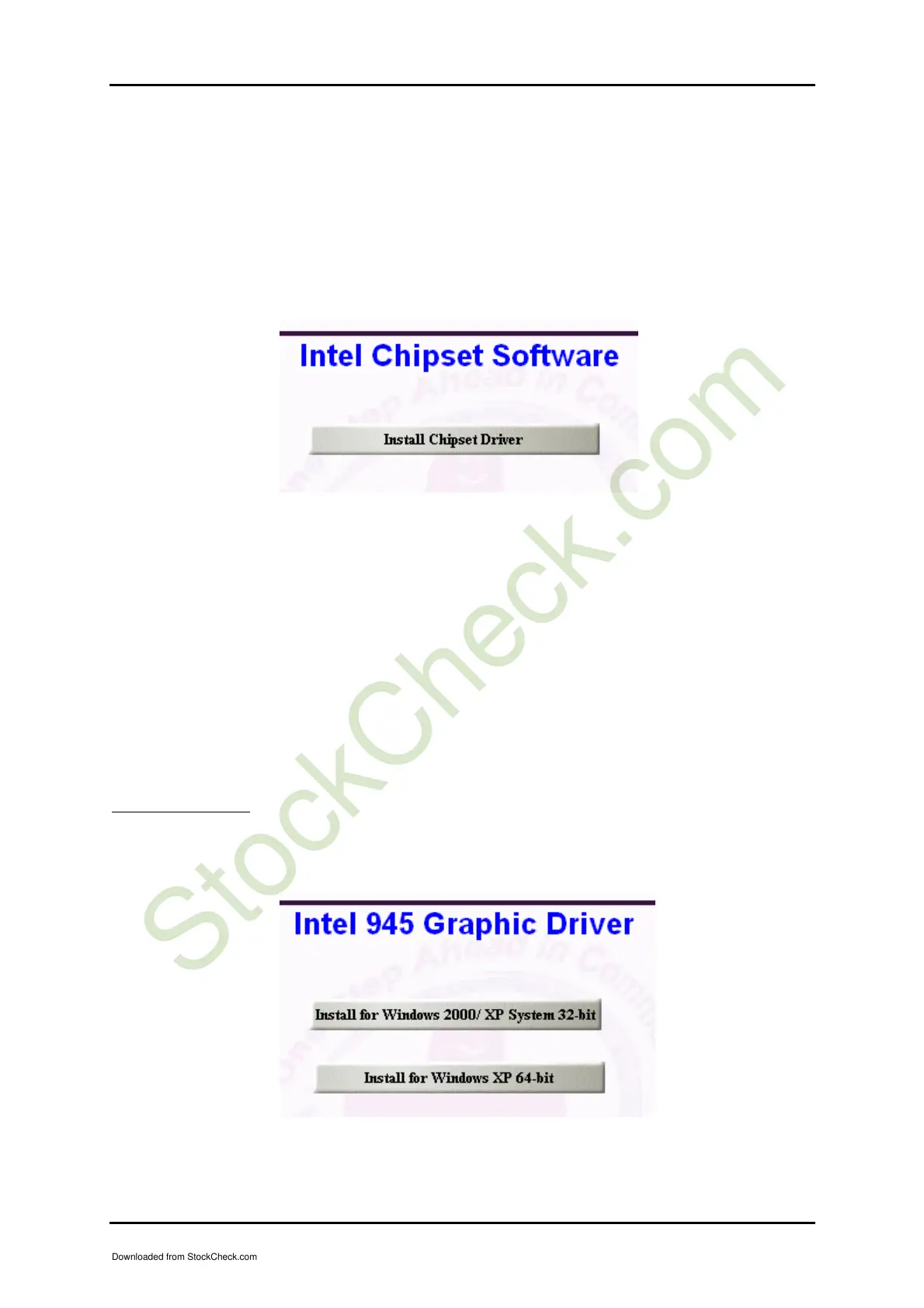
3.3.1 Chipset Component Driver
The chipset on RUBY-9715VG2AR is a new chipset that a few old operating systems
might not be able to recognize. To overcome this compatibility issue, for Windows
Operating Systems such as Windows 2000 /XP / Server 2003, please install its INF
before any of other Drivers are installed. You can find very easily this chipset
component driver in RUBY-9715VG2AR CD-title.
3.3.2 Intel Integrated Graphics GMCH Chip
Using GMCH High performance graphic integrated chipset is aimed to gain an
outstanding graphic performance. Shared 64 accompany it to 160MB system DDR2-
SDRAM with Total Graphics Memory. This combination makes RUBY-9715VG2AR
an excellent piece of multimedia hardware.
With no additional video adaptor, this onboard video will usually be the system
display output. By adjusting the BIOS setting to disable on-board VGA, an add-on
PCI or PCI Express by 16VGA Card can take over the system display.
Drivers Support
Please find 82945G Express GMCH driver in the RUBY-9715VG2AR CD-title.
Drivers support Windows 2000 / XP System 32-bit & Windows XP System 64-bit.
Downloaded from StockCheck.com














 To Next Page