System Installation
RUBY-9715VG2AR User’s Manual 3-6
Windows 2000/XP (32bit): Please execute Install for Windows 2000/XP System 32-
Bit file to start graphics driver installation.
Windows XP (64-bit): Please execute Install for Windows XP System 64-bit file to
start graphics driver installation.
3.3.3 On-board Fast Ethernet Controller
Drivers Support
Please find Intel 82573L Gigabit LAN driver in /Ethernet directory of RUBY-
9715VG2AR CD-title. The drivers support Windows 2000/XP System 32-Bit &
Windows XP System 64-bit.
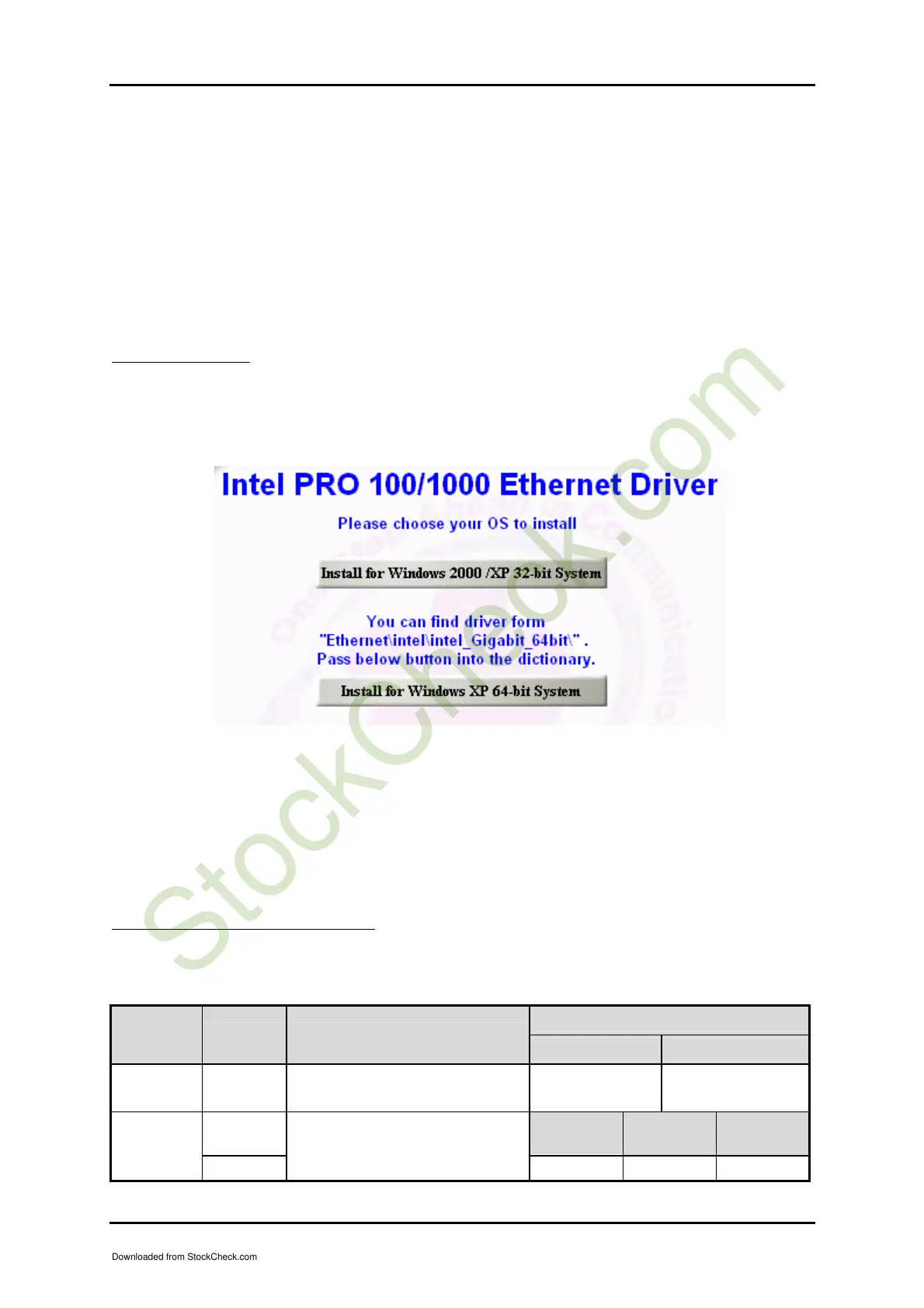
Windows 2000/XP (32bit): Please execute Install for Windows 2000/XP System 32-
Bit file to start Intel LAN driver installation.
Windows XP (64-bit): Please execute Install for Windows XP System 64-bit file to
“Ethernet\intel\intel_Gigabit_64bit\”; Pass below button
into the dictionary.
LED Indicator (for LAN status)
RUBY-9715VG2AR provides three LED indicators to report Intel 82573L Gigabit
Ethernet interfaces status. Please refer to the table below as a quick reference guide.
Operation of Ethernet Port
82573L Color Name of LED
Linked Active
Status
LED
Yellow LAN Linked & Active LED On Blinking
Orange
Giga
Mb
s
100 Mbps
10 Mbps
Speed
LED
Green
LAN speed LED
Orange Green Off
Downloaded from StockCheck.com














 To Next Page