Page 20 of 80 Instruction Manual for AURORA CDD BCG.00613_AA
Part 3 Mounting and Configuration
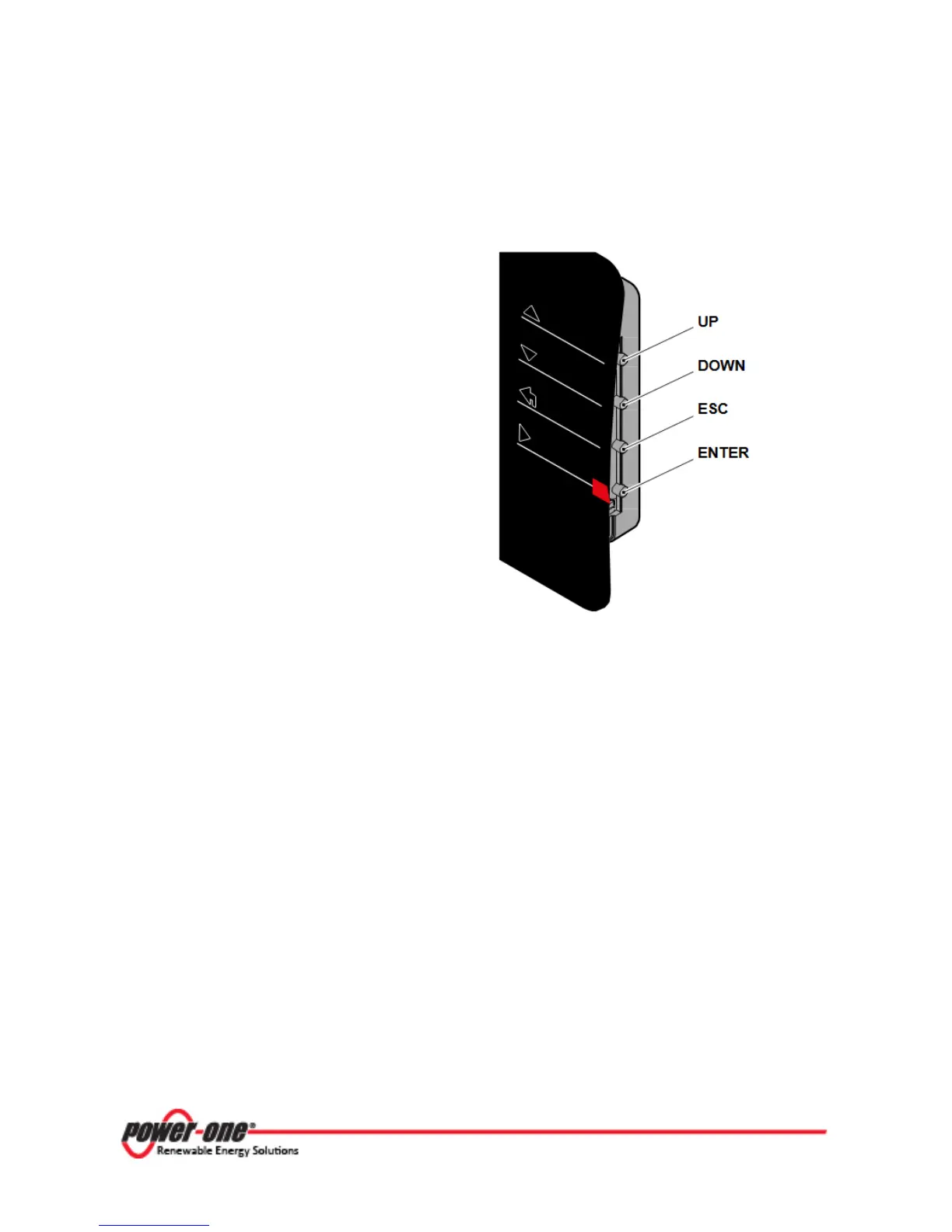
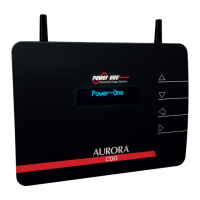
3.2.1 USE OF BUTTONS ON THE CDD
•
UP
DOWN
move around inside a menu or to scroll
through a list of settable values.
• The ESC button returns the user to the
previous submenu when navigating.
• The ENTER button is pressed to bring
the user to the desired submenu or to
confirm an entered value/parameter.
• The UP and DOWN buttons pushed
together will open the main menus for
STATISTICS, DATA DISPLAY and




 To Next Page