Page 15 of 80 Instruction Manual for AURORA CDD BCG.00613_AA
Part 2 Unpack and Select Installation Location
2.2 SELECT INSTALLATION LOCATION
The device uses radio waves to transmit and receive data, it is therefore important to assess this
factor in choosing the installation position. Walls in reinforced cement and surfaces covered in
metal (doors, shutters, etc.) can markedly reduce the reach of the device as noted below.
Table 2-2: Factors affecting wireless signal strength
Relative signal range reductions
Stone / Pressed cardboard
Reinforced concrete increases with amount of
reinforcement
It is advisable to undertake all the configuration operations, before installing the CDD permanently
in the same location and position used during the configuration.
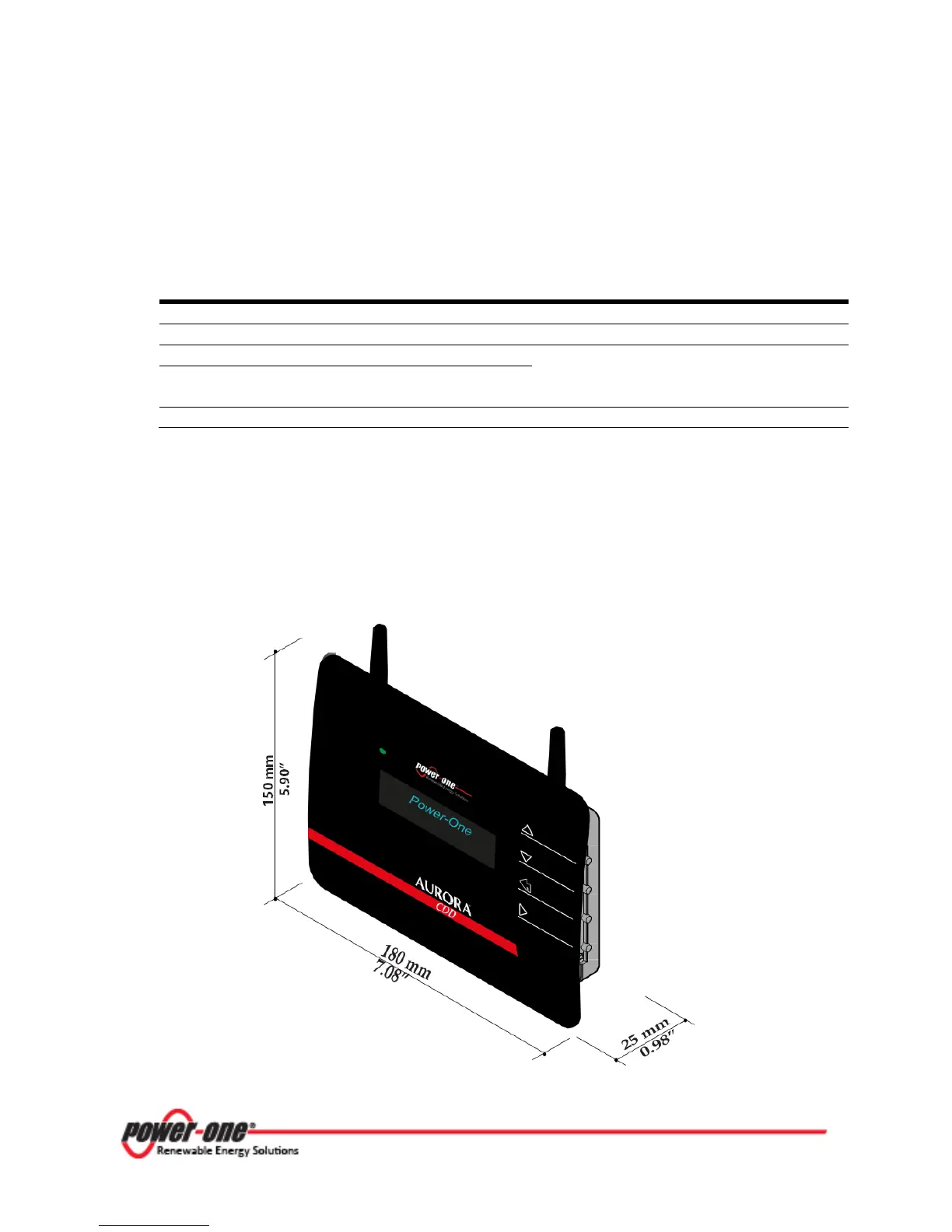
2.2.1.1 Overall Dimensions
The following figure shows the overall dimensions expressed in mm and in inches.
Figure 2-1: Overall Dimensions









 To Next Page