Page 26 of 80 Instruction Manual for AURORA CDD BCG.00613_AA
Part 3 Mounting and Configuration
Once these parameters have been configured, insert the CDD IP address in the address bar and
proceed with the connection as explained in Operations Part 4.
3.4 WIRELESS CONNECTION (WIFI)
The wireless connection of the CDD
to the computer requires the use of a WiFi router acting as a
“bridge” for the transmission of
data. The configuration of the WiFi network is done on the display
using the
p
anel and buttons described above.
3.4.1 CONFIGURATION OF THE WIFI NETWORK
Before starting the configuration procedure, check that a WiFi router with the IEEE 802.11b/g
standard and visible SSID is available. Besides unprotected networks, the WPA and WPA-2 security
protocols are supported. For the configuration it is not necessary to be connected to the Internet.
Turn on the CDD by attaching the Power Supply connector to the bottom of the CDD and plugging
into an electrical outlet; then wait for the green LED to come ON.
“Power-One” appears on the display panel.
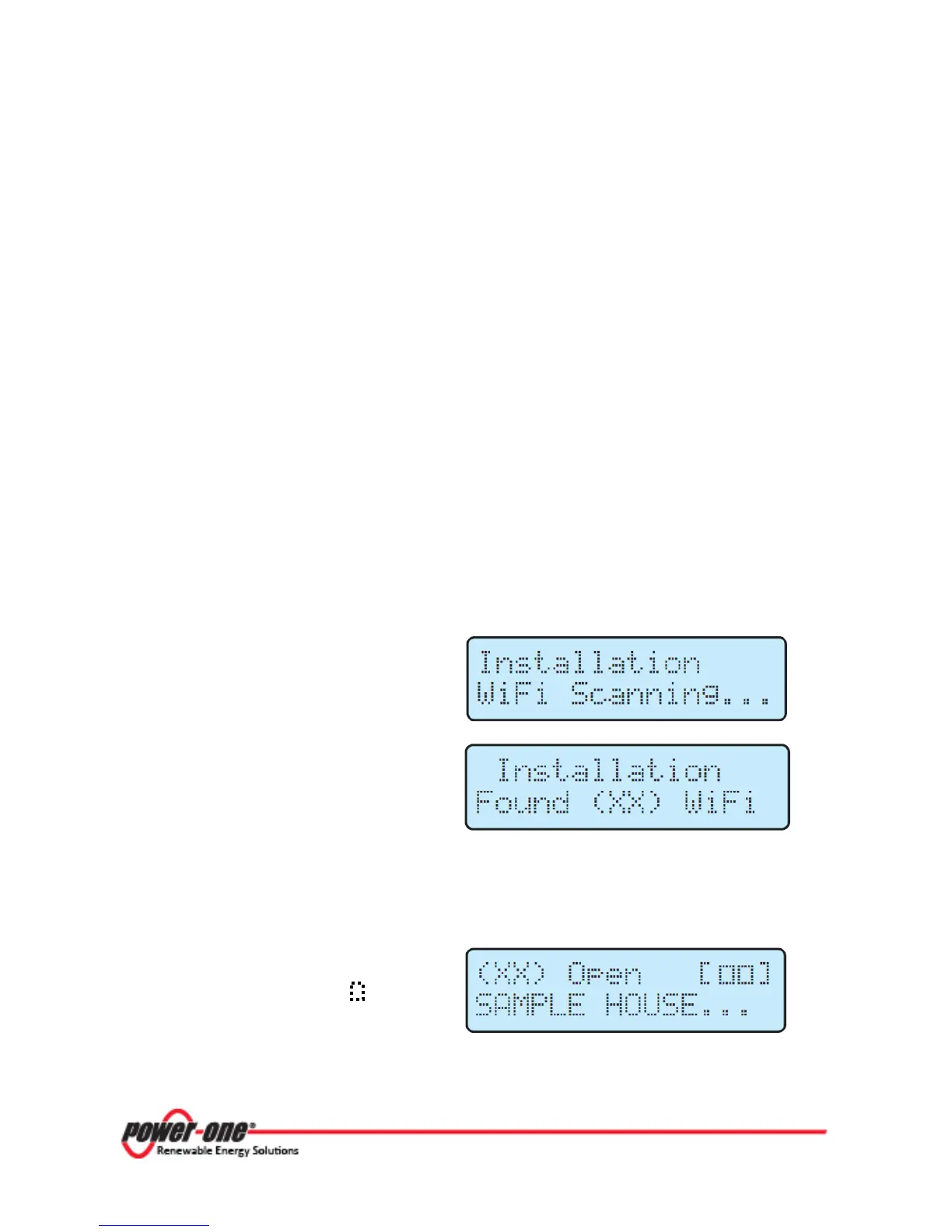
The first operation carried out looks for local
WiFi networks within reach of the device.
Scanning takes no more than 1 minute and
ends positively if at least one network is
found. The number of networks found is
XX
Press ENTER to access the selection menu for the WiFi network. (If no wireless networks are
found, it may be necessary to change the DHCP settings, see section 3.4.2).
The first line shows the number of the
network (XX), type of security (i.e. Open,
WPA/WPA2) and level of the signal
(indicated with the characters
[ ].
The second line shows the name of the
network (SSID)









 To Next Page