Page 27 of 80 Instruction Manual for AURORA CDD BCG.00613_AA
Part 3 Mounting and Configuration
The level of the signal can vary from one to three; in the example the level is intermediate
[ ].
Press the UP or DOWN buttons to scroll through the list of networks. Locate the desired network
and press ENTER.
The continuation of the installation differs on the basis of the type of security of the selected
network, (Open, WPA/WPA2), and on the presence or otherwise of the MAC address filter.
3.4.1.1 Configuration of Open Networks (Open)
• Open networks without a MAC address filter
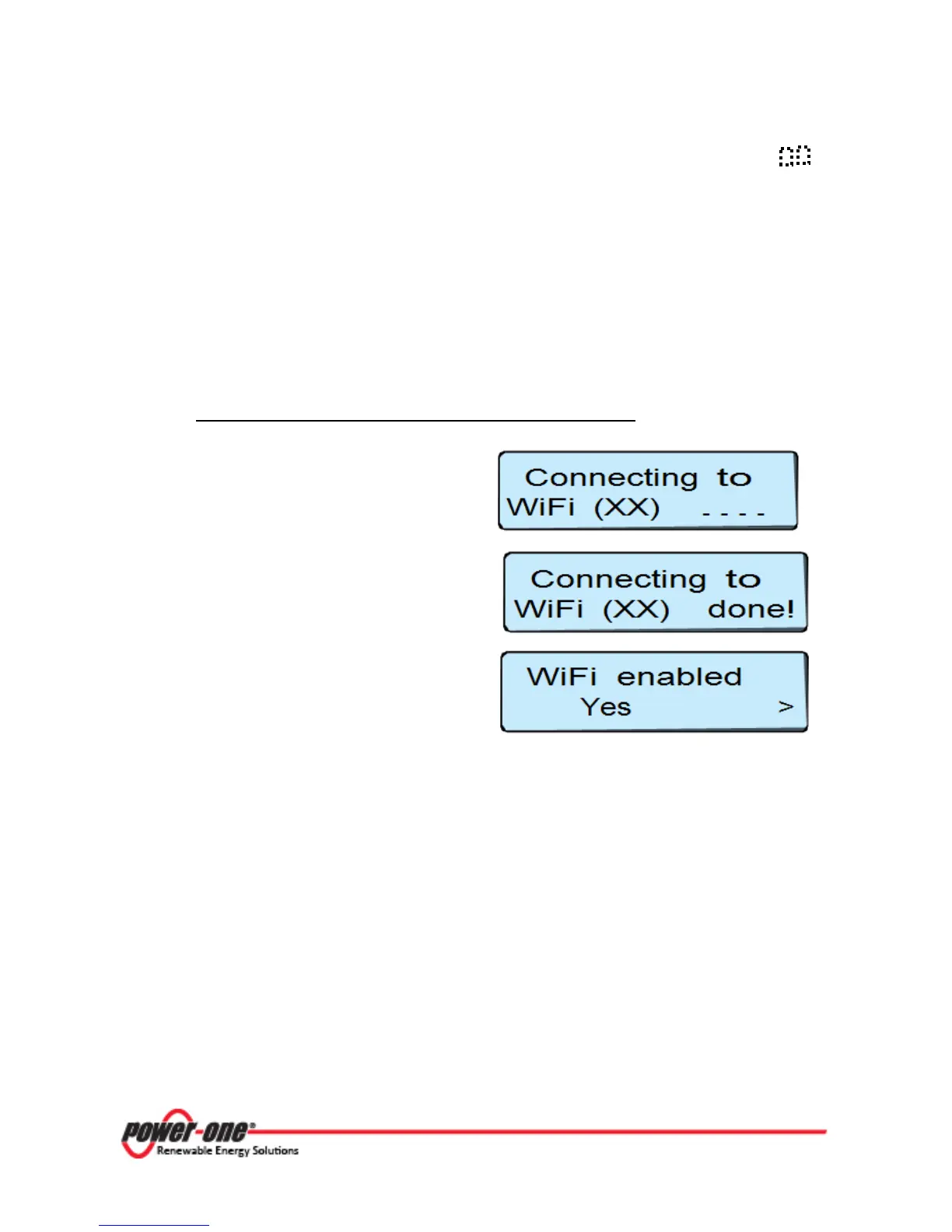
If the signal received is sufficiently strong, the
CDD starts the connection to the WiFi network
in a few seconds.
On the display a completion message appears
At the end of the procedure the message
appears “WiFi Enabled”.
Press
ESC
to exit from the configuration menu.









 To Next Page