Page 42 of 80 Instruction Manual for AURORA CDD BCG.00613_AA
Part 4 Operations Guide
4.3 REMOTE MONITORING ON THE AURORA EASY VIEW PORTAL
Once the acquisition of the MICRO Inverters is complete, it is possible to configure the remote
monitoring of the plant
on the Aurora Vision web
portal using the Self Registration procedure
(through the Power- One website).
For installers with an Aurora Vision account who want to manage their costumer account
please refer to the documentation on www.auroravision.net
.
4.3.1 “SELF-REGISTRATION” PROCEDURE
Homeowners can register their plant through the Power-One Website (no special customer or user
account is necessary). At the end of the registration process, an Aurora Easy View account will be
created for the homeowner giving them 100% control of their web-based monitoring solution.
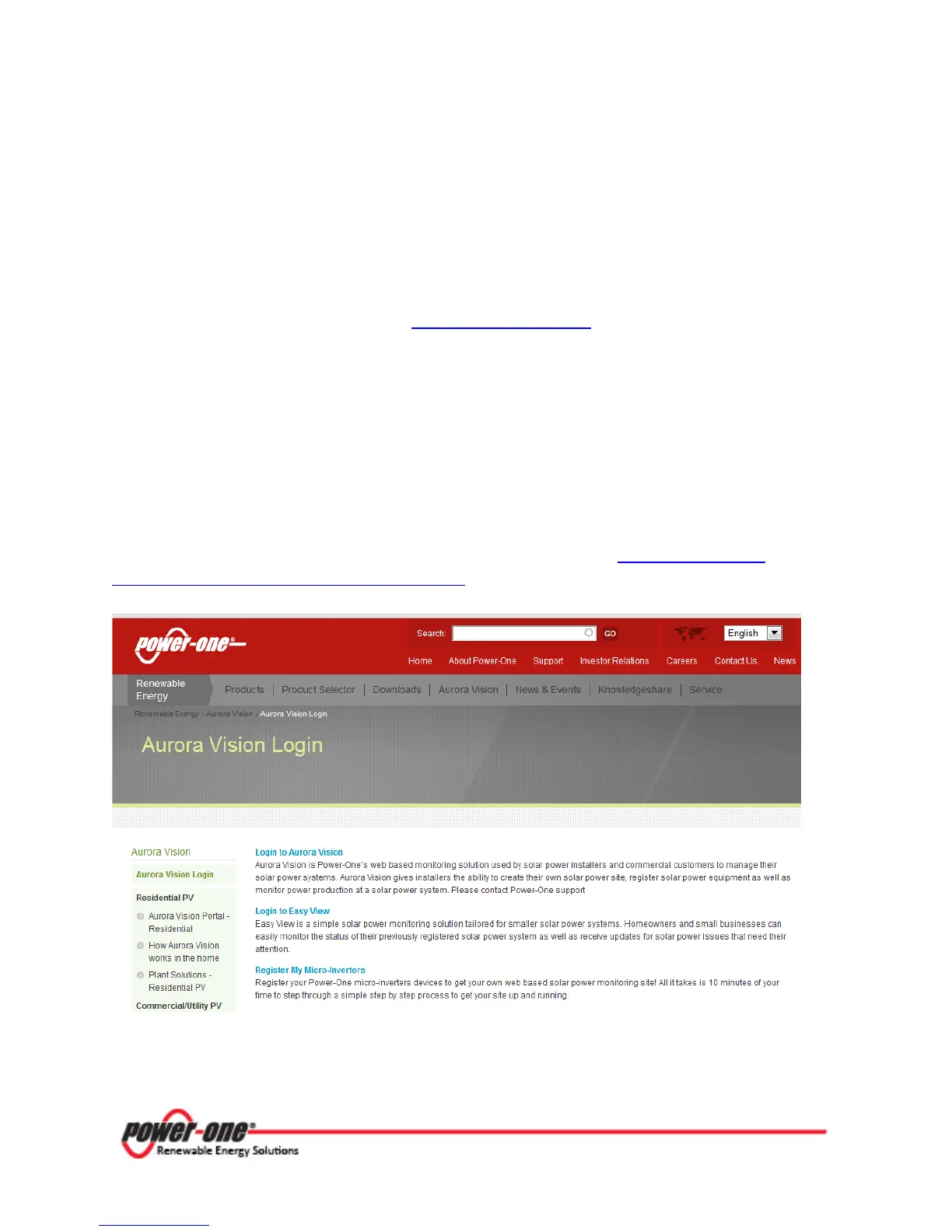
To start the self-registration process, go to the Power-One website at http://www.power-
one.com/renewable-energy/aurora-vision-login and select “Register My Micro-Inverters”.
This web page will be accessed again to “Login to Easy View” using the account created in the
registration process.









 To Next Page