EasyManua.ls Logo

Power One Aurora CCD - User Manual

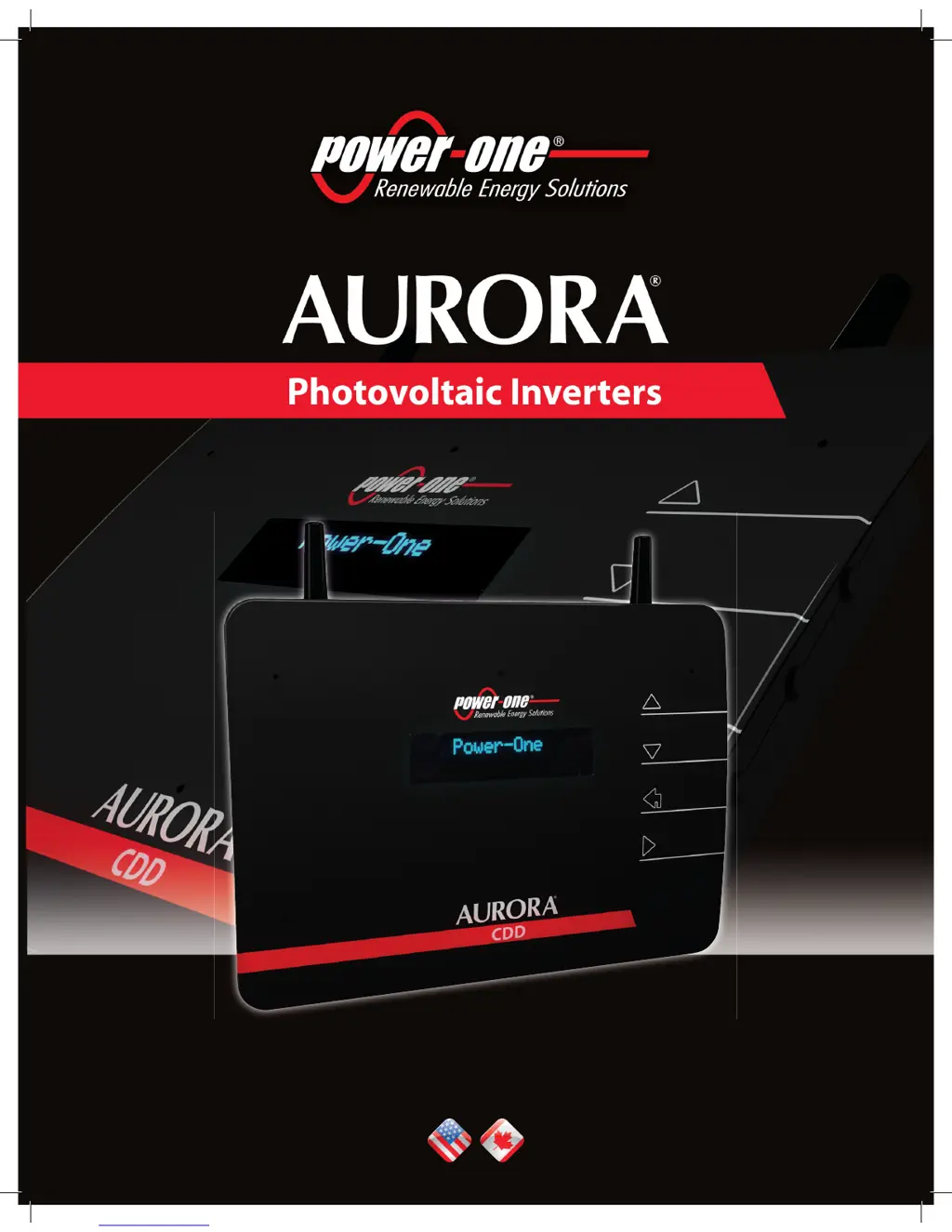
Power One Aurora CCD
82 pages
Print Icon
To Next Page IconTo Next Page
Loading...
THE MANUAL: AURORA CDD

Questions and Answers

  • B
    Brandon SantosJul 31, 2025
    Why does my Power One Aurora CCD Inverter show a Vbulk OV error?
    • C
      Cheryl BarnesJul 31, 2025
      The Vbulk OV error on your Power One Inverter indicates that the voltage at the bulk capacitors is too high. This can happen if the grid voltage is too high. Check that the grid voltage is compatible with the inverter's specifications, and if it's highly abnormal, contact your grid operator. If the grid voltage is normal, the alarm may be due to internal inverter faults.
  • C
    Carl LynchAug 15, 2025
    What to do if my Power One Aurora CCD displays an 'Input OC' error?
    • G
      Gabrielle McphersonAug 15, 2025
      The 'Input OC' error on your Power One Inverter means the input current is exceeding the overcurrent threshold. This could be due to sudden irradiance changes, which the inverter will automatically reset from. It may also be caused by a PV module incompatible with the inverter's input characteristics. Verify that the photovoltaic module specifications are compatible with the inverter. If the problem continues after checking these conditions, there may be an internal inverter fault.

Summary

Part 1: Introduction and Safety

1.3 Safety

Details critical safety instructions, warnings, and precautions for installation and operation.

Part 2: Unpack and Select Installation Location

2.2 Select Installation Location

Guides the user on choosing an optimal installation site, considering factors affecting wireless signal strength.

Part 3: Mounting and Configuration

3.4 Wireless Connection (WiFi)

Explains how to configure and connect the CDD to a WiFi network, including security protocols.

Part 4: Operations Guide

4.2 Commissioning

Guides through the process of acquiring MICRO Inverters and setting up the CDD system.

4.4 Local Monitoring of the Plant - Local Web Server

Explains how to monitor the plant and individual inverters using the CDD's local web server interface.

Part 5: Troubleshooting

5.1 Alarm Codes and Error Messages

Lists and explains common alarm codes and error messages displayed by the CDD and their potential causes and solutions.

Power One Aurora CCD Specifications

General IconGeneral
CoolingNatural Convection
Frequency Range50/60 Hz
Maximum Output Power3.0 kW - 6.0 kW (Varies by model)
Operating Temperature Range-25°C to +60°C (Derating above 45°C)
ModelPower One Aurora CCD

Related product manuals