Page 67 of 80 Instruction Manual for AURORA CDD BCG.00613_AA
Part 4 Operations Guide
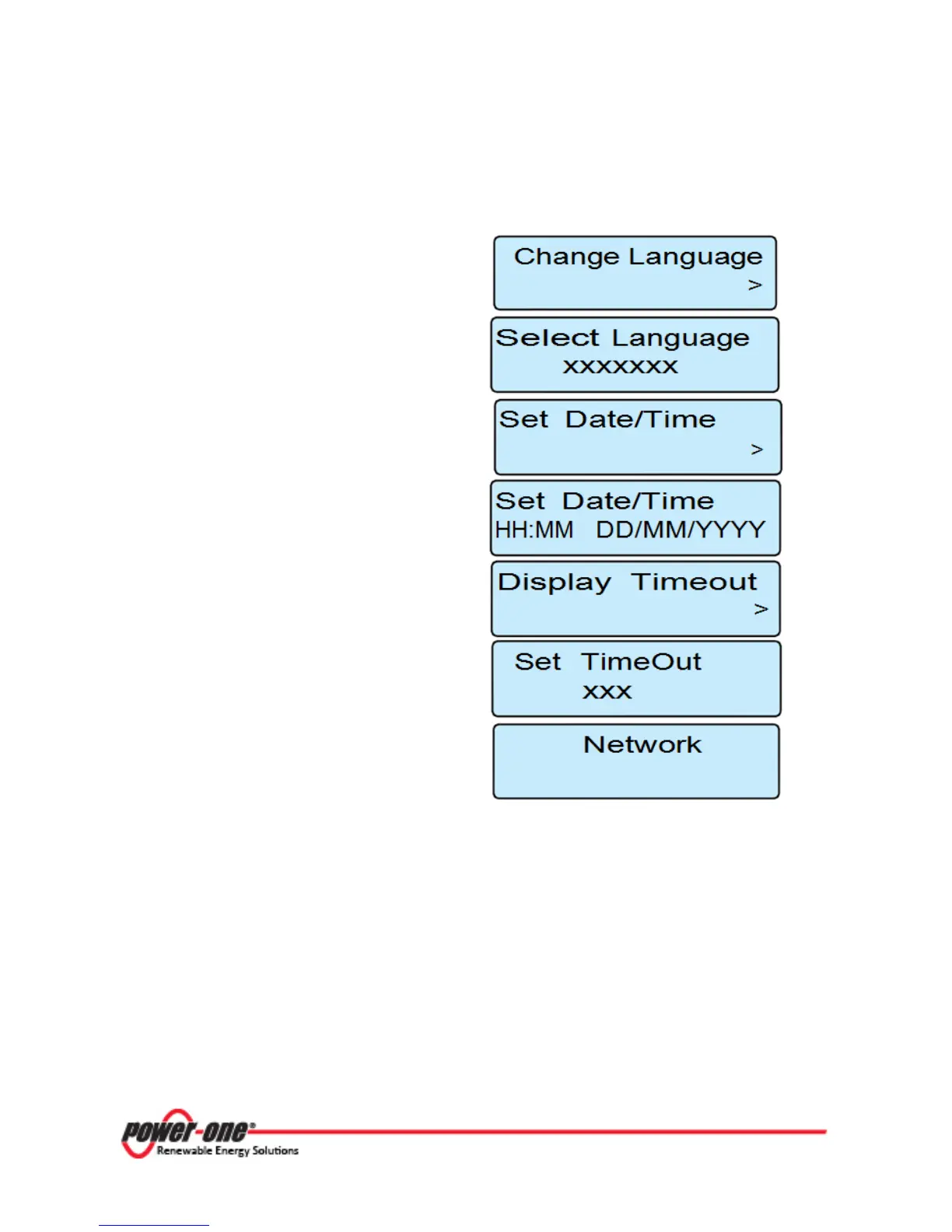
4.5.6 CHANGE SETTINGS MENU
In this section it is possible to change the
main
settings
:
Enables access to the selection of the preferred
menu language.
Enables access to the selection of the preferred
menu language.
Enables setting of the current time and date
(daylight saving time not included).
Enables setting of current time and date
Enables access to setting the timeout of the
display.
Enables setting of the timeout on the display to
OFF or a value between 10 and 99 seconds.
Enables Activation/deactivation of the DHCP
function provided that the WiFi connection has
first been deactivated; otherwise the “Change
Blocked!” message is displayed.
Figure 4- 7: CDD Change Settings Menu









 To Next Page