Page 66 of 80 Instruction Manual for AURORA CDD BCG.00613_AA
Part 4 Operations Guide
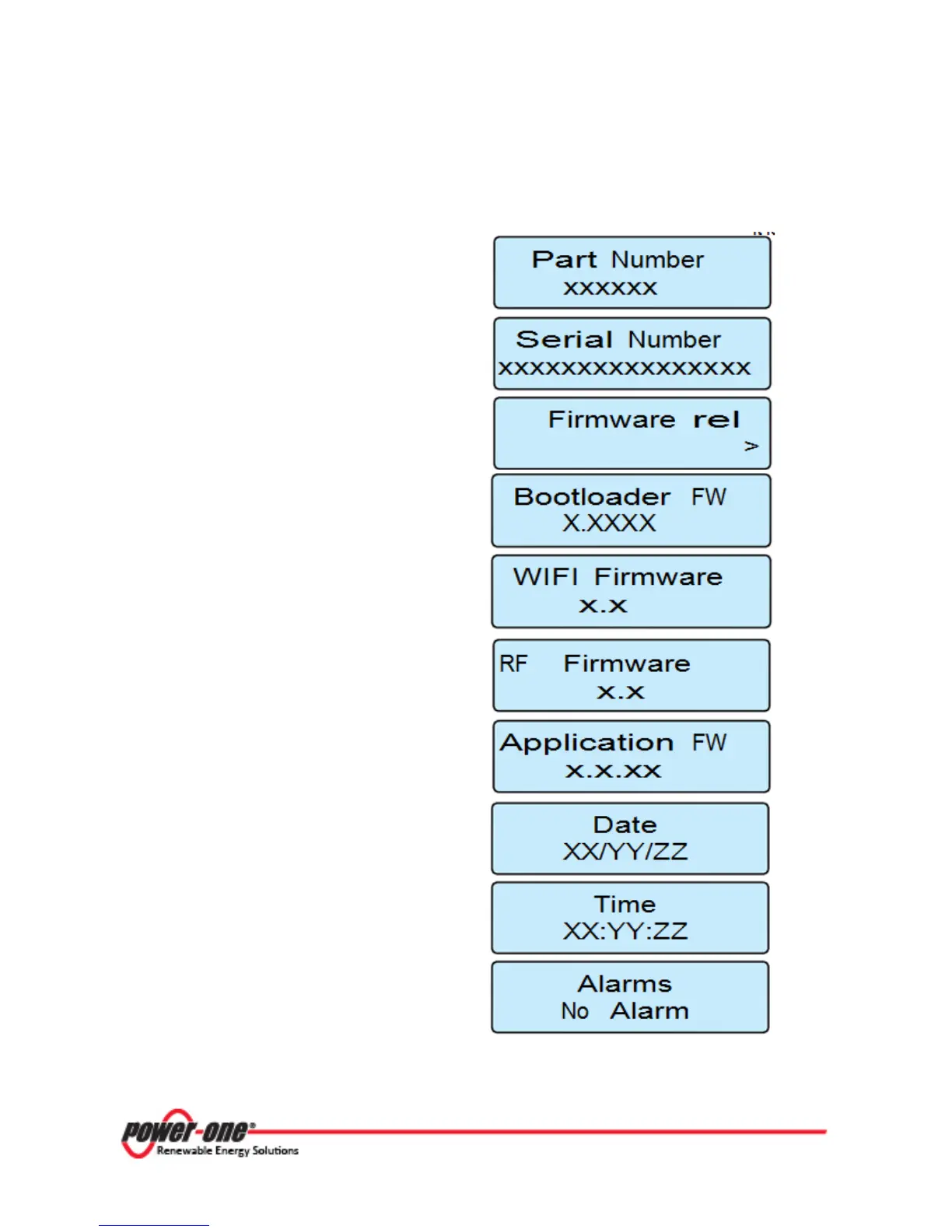
4.5.5 VIEW INFORMATION MENU
In this section it is possible
to view information relating to th
e
CDD:
P/N code of the CDD device
Serial number (CDD)
Enables access to viewing the firmware versions
installed on the CDD device. Press ENTER to
access the four screens below:
• Firmware version Bootloader (CDD)
• Firmware version WIFImodule (CDD)
• Firmware version radio module (CDD)
• Firmware version of the application (CDD)
Date set on the CDD device
Time set on the CDD device
View the presence or absence of alarms on the
plant. Should there be no alarms, “No Alarm” is
displayed, and otherwise the warning (Wxxx) or
error (Exxx) code is displayed.
See Troubleshooting, Part 5, for a listing of alarms.
Figure 4- 6: CDD View Information Menu









 To Next Page