30
Powerware 9315 (100 kVA--160 kVA) Installation
164200292 REV. E 041500
To prepare the input transformer cabinet for wiring to the UPS:
1.
Roll the UPS into its final operating position and secure it with the leveling feet.
2. Roll the input transformer cabinet to the left of the UPS. Join the two cabinets
using the appropriate method described in Chapter 4.
3. Open the door of the input transformer cabinet (press the top of the door latch,
twist the latch lever clockwise 90˚, and pull the door outward).
4. Remove the top and bottom deadfronts. Set the deadfronts and screws aside
for remounting later.
5. Secure the transformer cabinet to the UPS cabinet. (Refer to procedure
“Method A --- Joining an Optional Cabinet to the UPS” in Chapter 4.)
6. Attach a ground bus between the UPS and transformer cabinet frames. (Refer
to procedure “Grounding Joined Cabinets” in Chapter 4.)
7. Secure the cabinet with the leveling feet.
To wire the input transformer cabinet to the UPS:
1. Cables for interconnecting the input transformer to the UPS are coiled and
tie-wrapped in place inside the input transformer cabinet. Locate and uncoil
the cables. The connections inside the transformer cabinet are already made.
Each cable is marked with its designation point in the UPS cabinet.
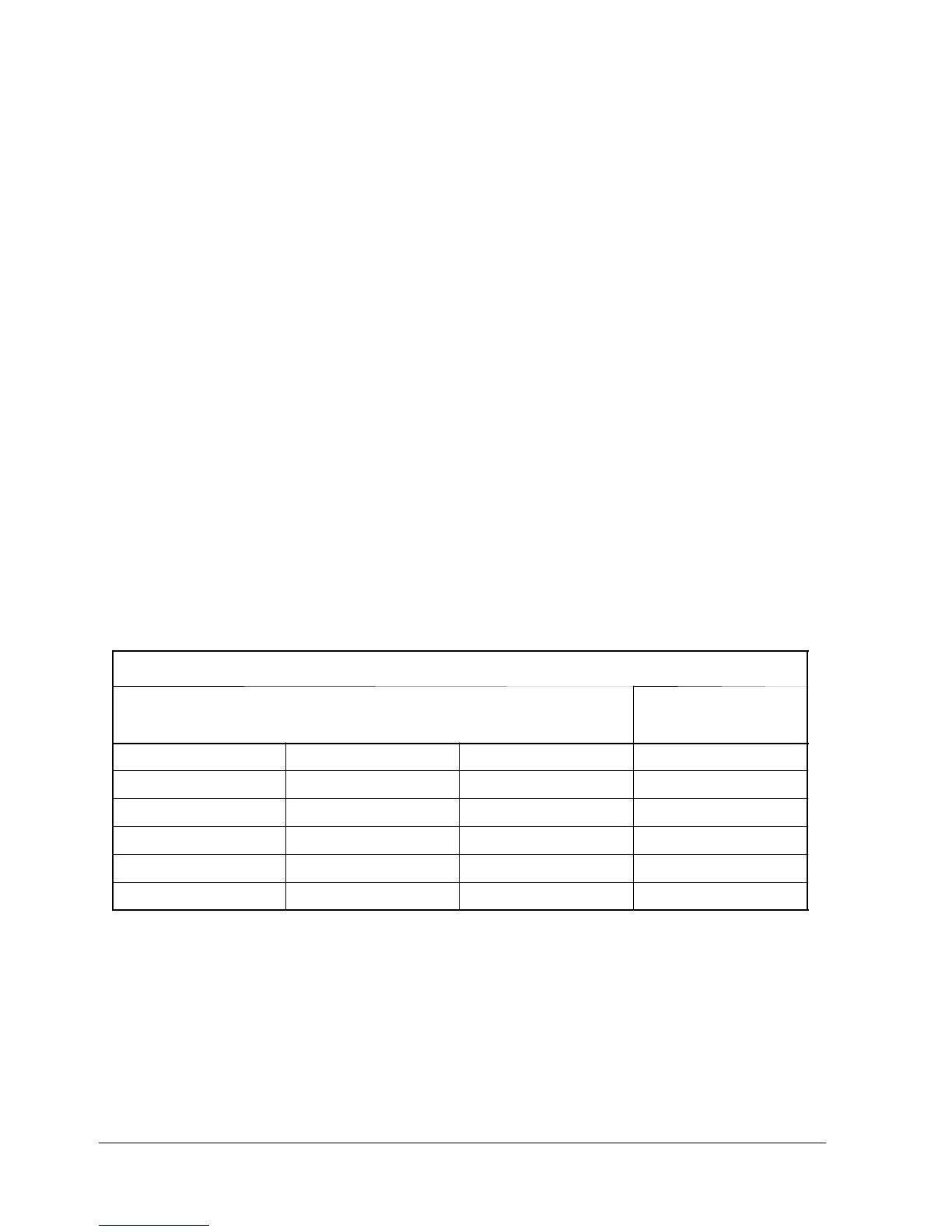
2. Connect the cables according to input voltage as shown in Table A. Al so, refer
to Figure 16.
Table A. Input Transformer to UPS Connection Points
Connection Point in Transformer Cabinet (already made)
Co
ectio
oi
t
600VAC UPS 208 VAC UPS 400/480 VAC UPS
in UPS
T 1 --- X 1 T 1 --- H 1 T 1 --- X 1 E1
T 1 --- X 2 T 1 --- H 2 T 1 --- X 2 E2
T 1 --- X 3 T 1 --- H 3 T 1 --- X 3 E3
T 1 --- X 1 T 1 --- H 1 n/a E6
T 1 --- X 2 T 1 --- H 2 n/a E7
T 1 --- X 3 T 1 --- H 3 n/a E8
3. Mounttheleftsidecovertotheleftsideofthetransformercabinet:
a. Mount the hanger bracket to the top left side of the transformer cabinet.
b. Hangtheleftsidecoveronthehangerbracketandalignwiththefront
and rear of the transformer cabinet.
c. Secure the left side cover at the bottom with screws.
4. Replace the deadfront on the UPS cabinet. Close the UPS cabinet doors and
the input transformer cabinet door.



 To Next Page