39
Powerware 9315 (100 kVA--160 kVA) Installation
164200292 Rev. E 041500
Installing a Remote Monitor Panel
As an option, you can install Remote Monitor Panels (RMPs) to
monitor the operation of the UPS system from virtually any location
within your facility, up to 500 feet from the UPS. You can flush-mount or
surface-mount an RMP on a desktop or on a wall, wherever you have a serial
interface line. A maximum of two monitoring accessories (RMPs, RIMs, or SCMs)
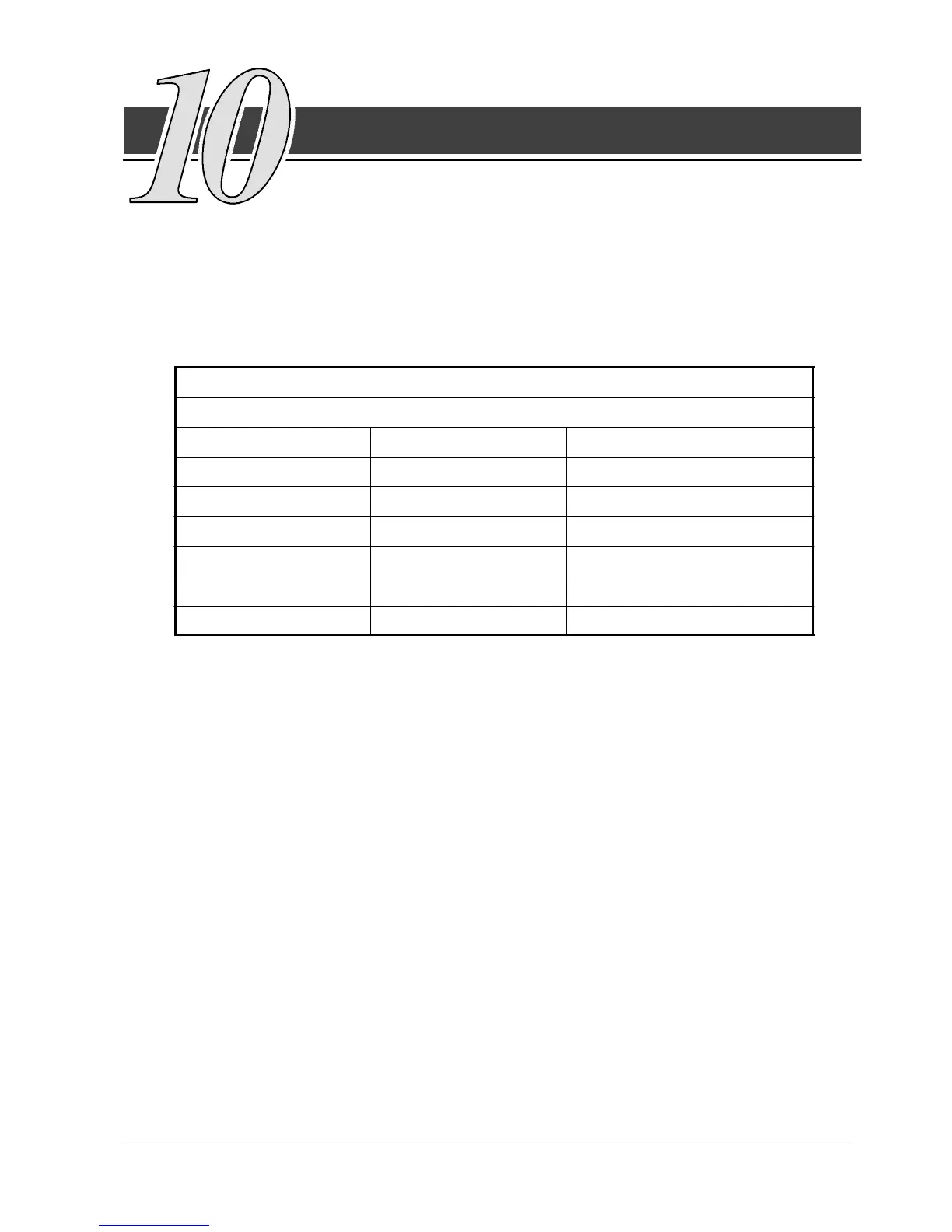
can be installed. See Table D for the number of accessories permitted. Figure 20
shows an RMP. Drawing 164200292---10 in Appendix A shows the enclosure
dimensions and knockout patterns.
Table D. Optional Monitoring Accessories
Number and Type of Accessories Permitted
Remote Monitor Panel Relay Interface Panel Supervisory Contact Module
2 — —
— 2 —
— — 2
1 1 —
1 — 1
— 1 1












 To Next Page