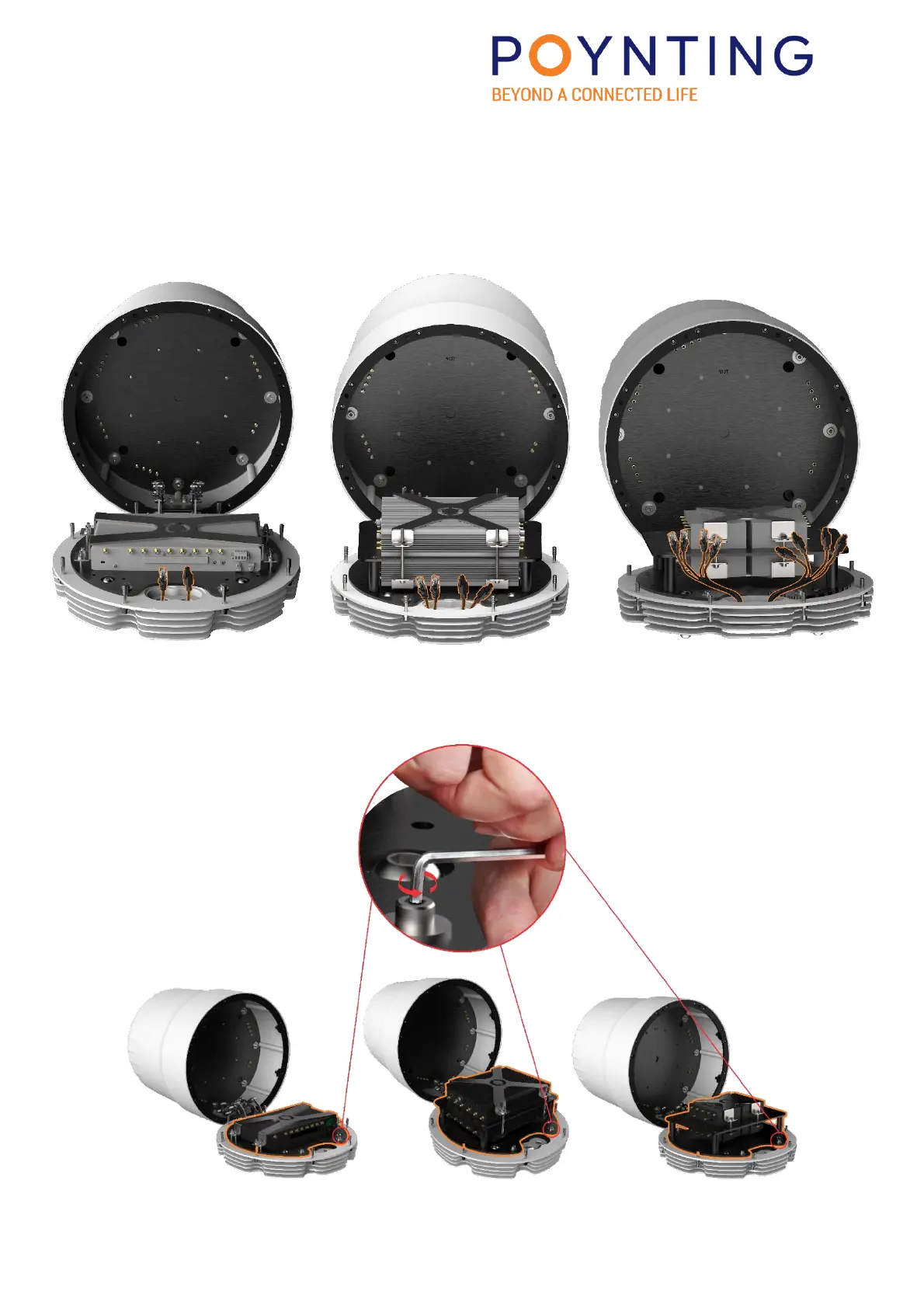
10. CONNECT CABLES TO ROUTER(S)
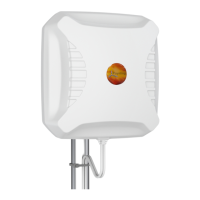
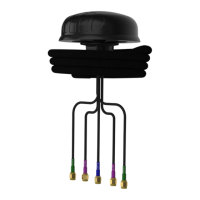
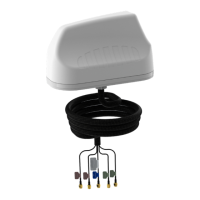
Connect the ethernet and power cables to the router(s). Then connect the RF cables from the
Antenna to the router(s); ensure you have connected the correct cables as per their labelling
(the labels are printed on the heat-shrink, at the cable ends).
11. REPLACING THE ASSEMBLED ROUTER ASSEMBLY
Replace and fasten the M6 cap screws holding the router assembly in place.


 To Next Page