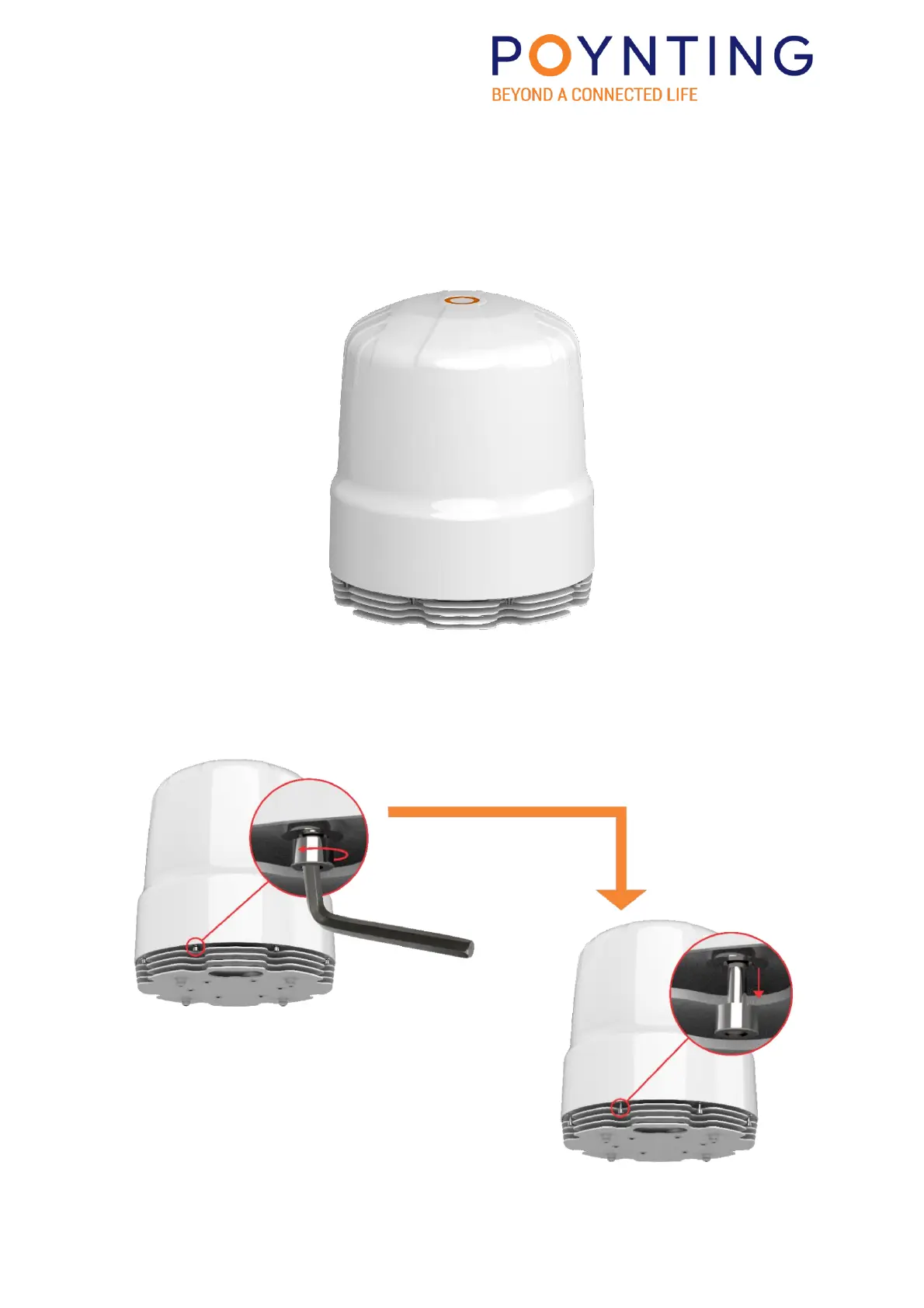
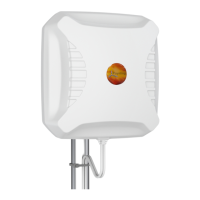
4. OPENING THE ANTENNA AND REMOVING THE RADOME
Step 1.
Orientate the antenna so that the alignment notches are facing in your direction.
Then inspect the fastening holes from the angle below. See the next image.
Step 2.
Using the 5mm Allen/hex key in the provided tool kit and unscrew the M8 cap screws. The
Cap screws are captive screws and only need to be unscrewed till it drops loose into the
cavity below. Continue to the next step.


 To Next Page