c) Use the alpha numeric keypad to enter the password and after finished
press the button .TEC
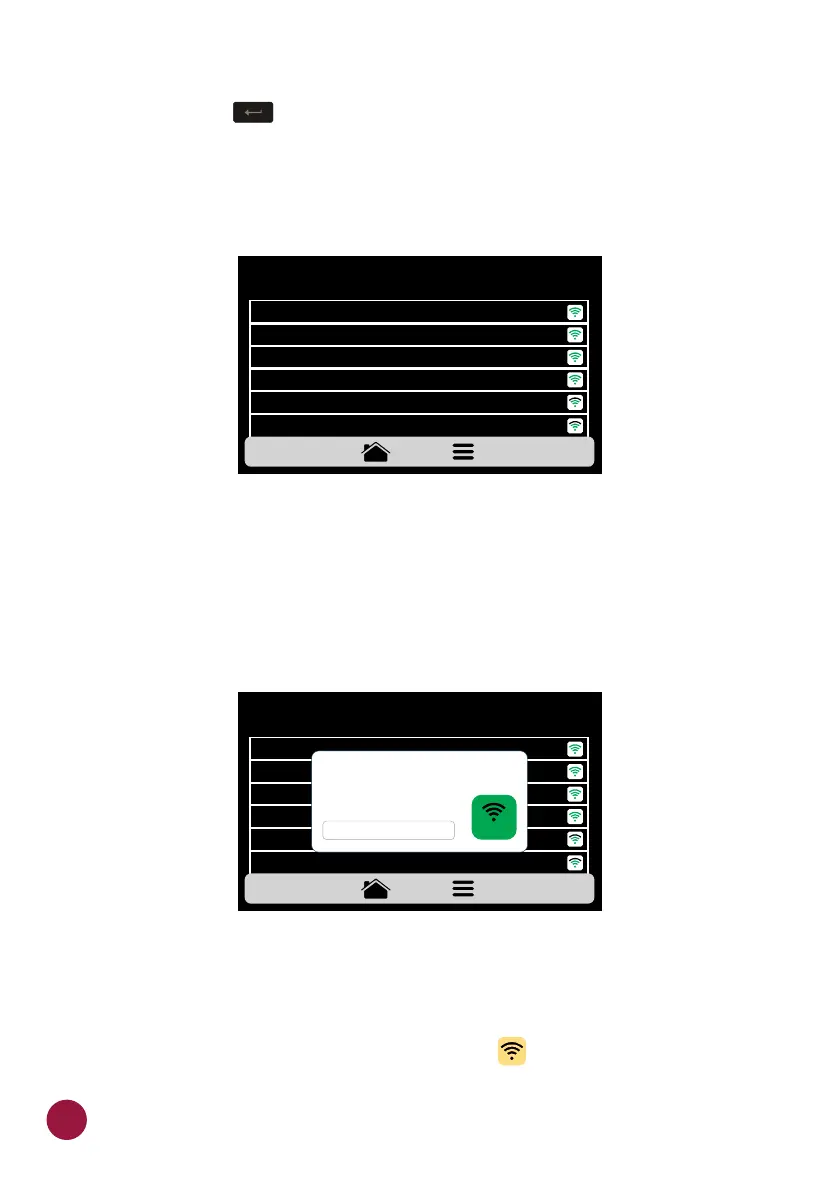
The following screen shows the oven connected to the desired network:
d) In case of incorrect password the following message will appear on the
screen, make a new attempt:
Note: After selecting the Wi-Fi network for the first time, the preheating
menu is automatically displayed. In the future, if the user wants to change
network, he must do so through the WI-FI icon in the settings menu.TEC
WI-FI NETWORK SETTINGS
NETWORK 6 CONNECT
MY NETWORK
NETWORK 2
NETWORK 3
NETWORK 4
NETWORK 5
CONNECT
CONNECT
CONNECT
CONNECT
CONNECT
WI-FI NETWORK SETTINGS
NETWORK 6 CONNECT
MY NETWORK
NETWORK 2
NETWORK 3
NETWORK 4
NETWORK 5
DISCONNECT
CONNECT
CONNECT
CONNECT
CONNECT
NETWORK: MY NETWORK
.
ERROR! PLEASE, CHECK YOUR
NETWORK OR REINSERT
THE PASSWORD.
CONNECT
56



 To Next Page