© Precor Incorporated, Unauthorized Reproduction and Distribution Prohibited by Law Page 74
13 Access the Manage Settings screen by following the described steps 1 through 6.
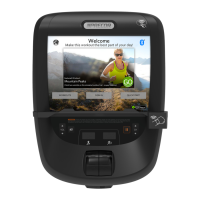
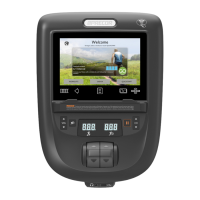
14 Insert the USB Flash Drive into the USB Drive Port of the P80 console.
15 Wait for the USB Flash Drive Icons to become active (light up) and then select Import from USB.
Figure 53: Manage Settings - Import
16 You will see a process bar and then Settings imported successfully displayed.
Figure 54: Settings Imported Successfully
17 Touch OK to return the Settings menus.


 To Next Page