SX™ Operator Manual
©
Original Printed in English
OPERATOR CONTROLS
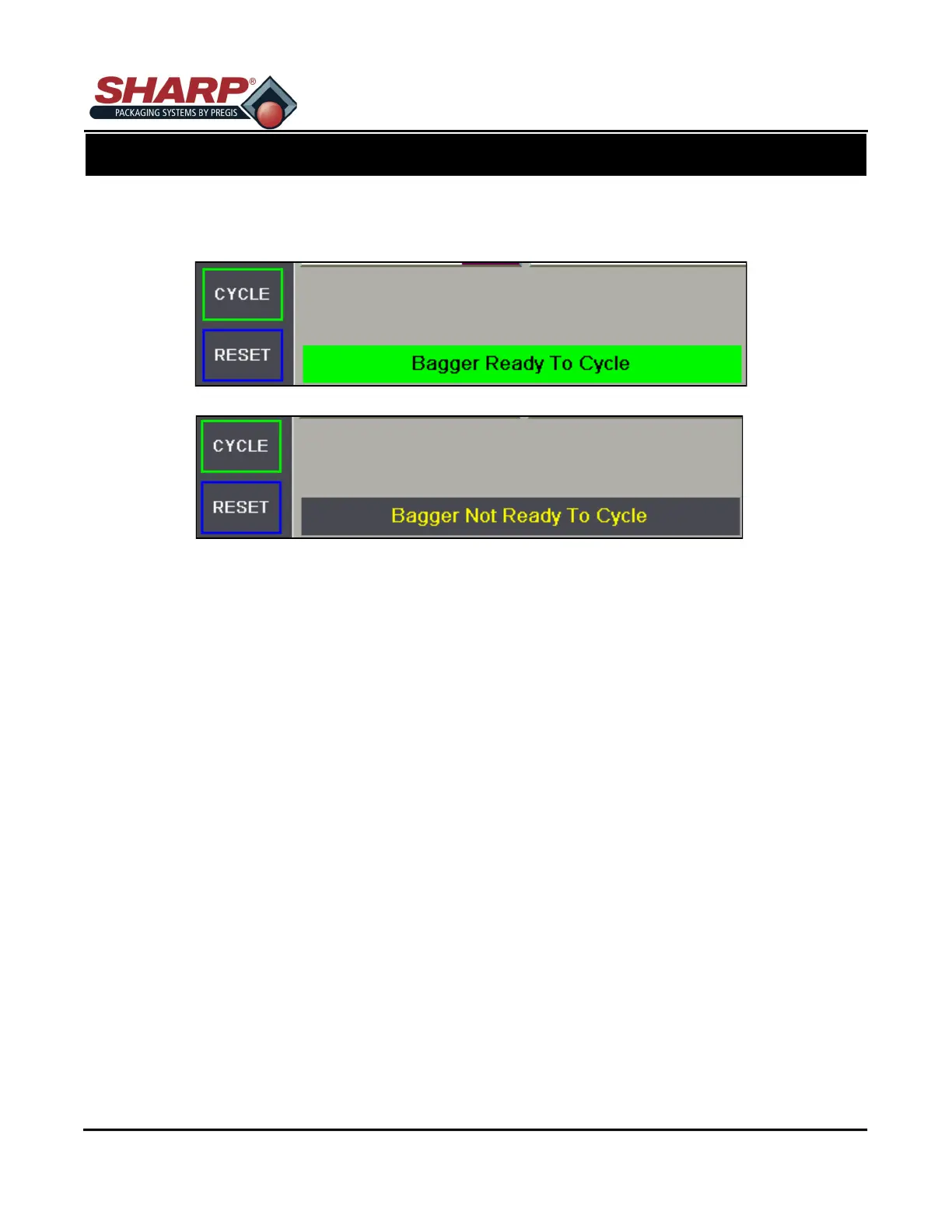
The operator control buttons appear at the lower left hand side of every screen.
Pressing the “CYCLE” momentary pushbutton will initiate a bagger cycle if “Ready To Cycle” message is
displayed. This HMI button is the equivalent to a mechanical Footswitch or Optical Palm button start sig-
nals.
Pressing the “CYCLE” momentary button will stop subsequent automatic cycles from occurring when run-
ning in Filler or Auto modes. Note that this button will not turn off either option.
Pressing the “CYCLE” momentary pushbutton will have no effect if “Not Ready To Cycle” message is dis-
played.
Pressing the “RESET” momentary button will clear a fault or warning, provided the condition that caused
the fault is no longer occurring.
SCREEN NAVIGATION
CONTROLS
3-1



 To Next Page