SX™ Operator Manual
©
Original Printed in English
All fault and alert messages appear at the bottom of most screens in a single line of text. Messages alternate
through a technique known as “Round Robin Display”. Each active message appears for 3 seconds and then the
display goes to the next. Thus if there were 3 active messages, all 3 would be displayed every 9 seconds.
Fault Messages
Faults are defined as an error condition that will stop the bagger and prevent subsequent cycles from occurring
as long as the fault persists. Faults must be corrected and then reset from the HMI using the Reset Button.
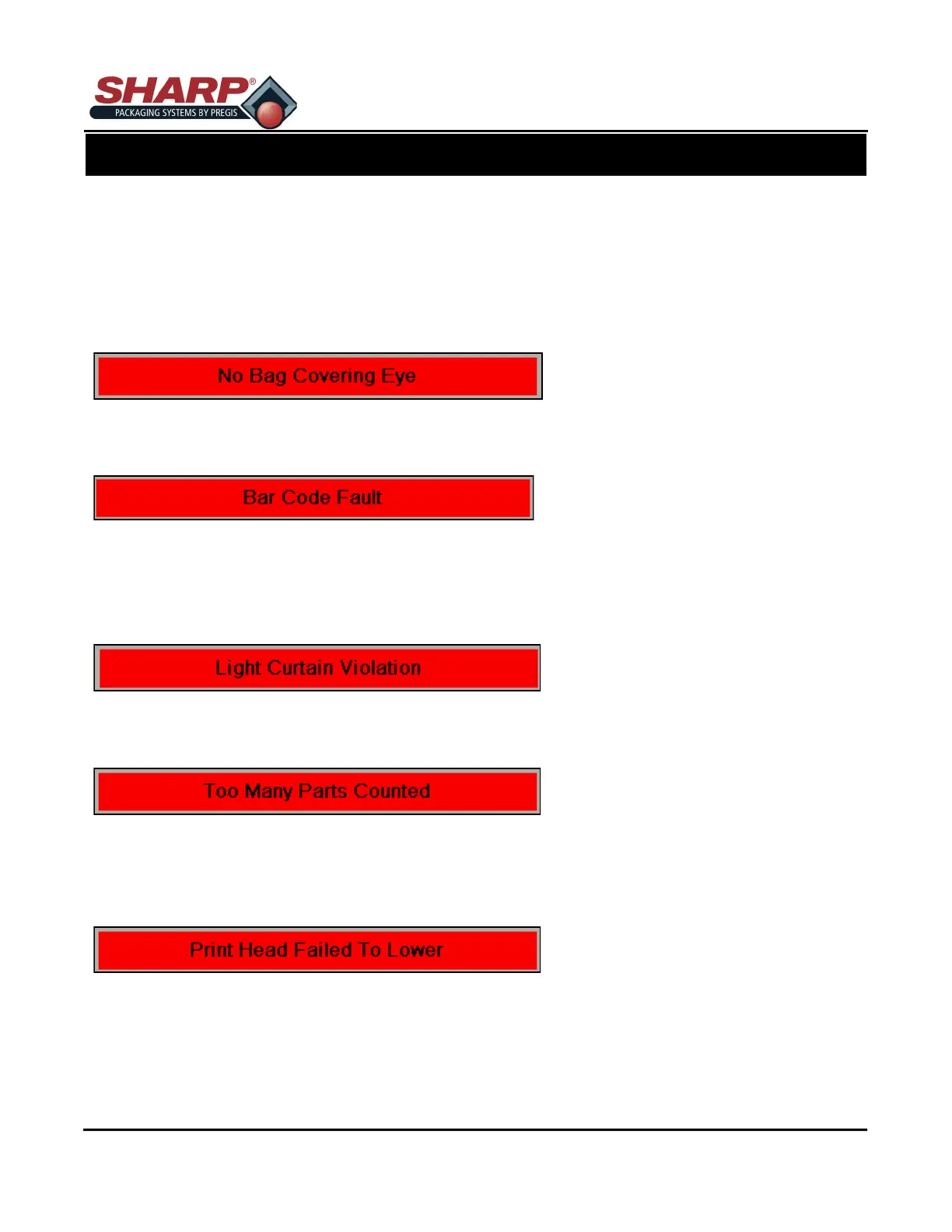
Faults are first indicated by the red banner at the bottom of all screens.
CAUSE: There is no film in the machine or the film is not being detected by the bag edge photo -eye
REMEDY: Position the film over the eye and reset the fault.
CAUSE: Consecutive Bad Read Counter = Barcode Fault Setting
REMEDY: There is a problem with the Barcode Scanner. The taught label is not the same as the printed
label or
The print quality of the label is poor and cannot be read.
CAUSE: Safety light curtain was broken while the bagger was in cycle.
REMEDY: Operators must wait until the bagger cycle is completed before loading parts.
CAUSE: The Actual Number of Parts loaded into the open bag exceeded the Target Count.
REMEDY: The Filling device is delivering parts after the “ Ready For Filler” switched off, or the filling de-
vice delivered multiple parts in a single charge and those parts were counted by the counting device. i.e. light
curtain, photo-eye, etc. Close examination of the filler and filling process is required to correct the condition.
CAUSE: The Lower Print Head PLC output O-05 was turned on, but failed to make the lowered switch failed
to turn on the Print Head Lowered Input I-05.
REMEDY: Lower Print Head Solenoid may have failed or proximity sensor is not positioned correctly
with the target. Check PLC I/O circuits.
HMI FAULT MANAGEMENT
5-1
FAULT & ALERT MANAGEMENT



 To Next Page