SX™ Operator Manual
©
Original Printed in English
4-1
CONTROL PANEL
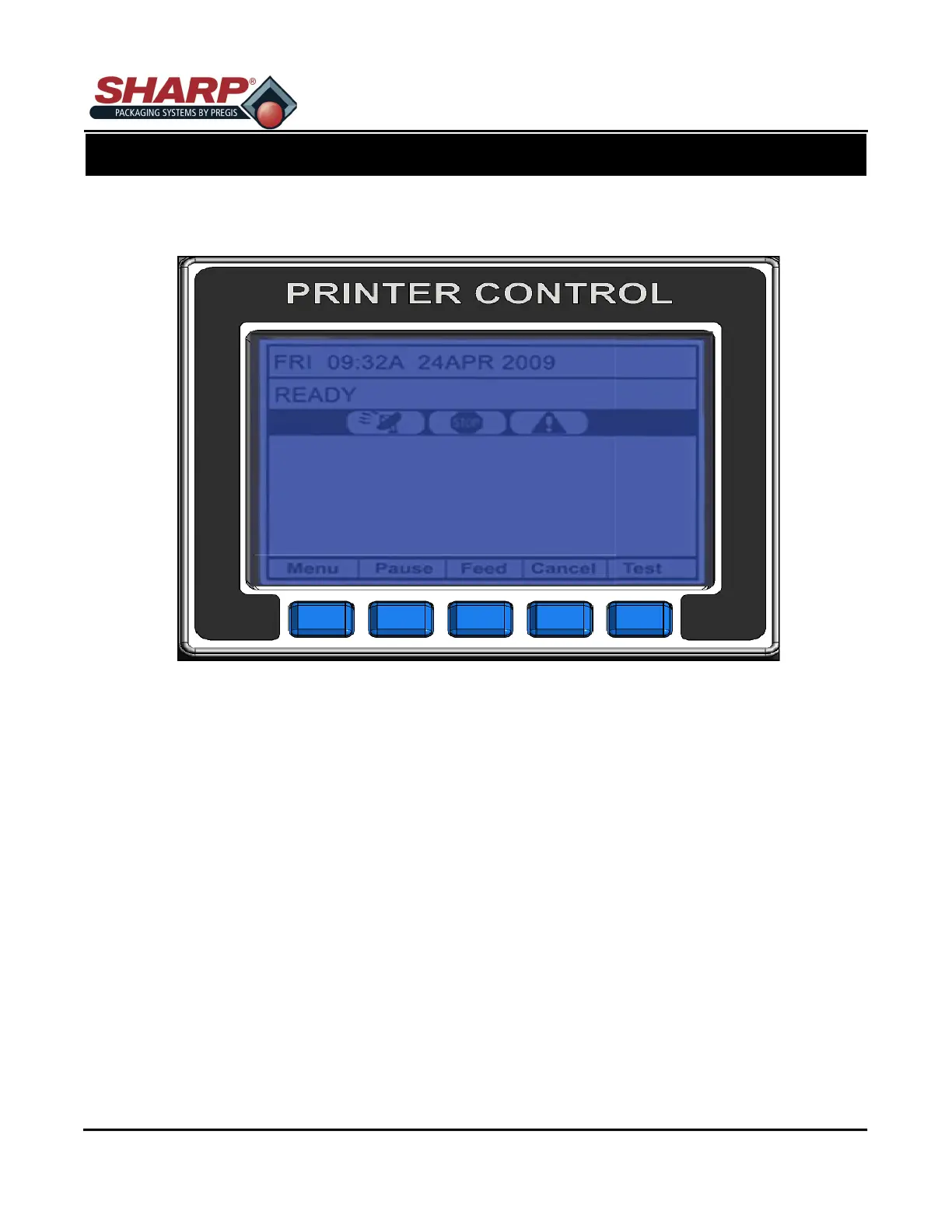
The Control Panel is an event-driven user interface composed of a graphics display and Soft Keys.
Time and Date
Displays the current time and date.
Printer Status Line
Following initialization, the ‘READY’ message and label counter during a batch print job.
Current State Icons
Displays the Icons of the current state of the printer. See description of icons on page 4-2.
Soft Key Labels
Menu - The Menu key takes the printer offline and enters menu mode.
Pause - The Pause key temporarily suspends printing, as noted by the current state indicators. Pressing the key
again will return the printer to normal operation.
Feed - The Feed key advances one label, and clears any corrected faults.
Cancel - The Cancel key ‘pauses’ the printer and prompts you for confirmation. If yes, the current job is can-
celled. The printer remains paused until t he ‘Pause’ key is pressed again.
Test - The Test key enters the test mode.
PRINTER
PRINTER CONTROLS



 To Next Page